How to Download Videos from Social Media without Watermarks
Learn how to save your favorite social media videos, reels, and shorts directly to your phone's gallery for offline viewing.

In This Article
This article covers How to Download Videos from Social Media without Watermarks. Learn how to save your favorite social media videos, reels, and shorts directly to your phone's gallery for offline viewing.
Key Takeaways
- Published: May 15, 2026
- Category: Tutorial
- Tags: Video Downloader, Social Media, Tools
- Views: 893
- Reading time: ~9 min read
"Learn how to save your favorite social media videos, reels, and shorts directly to your phone's gallery for offline viewing."
We all scroll through social media and find hilarious memes, inspiring tutorials, and amazing recipes that we want to save for later. Unfortunately, most platforms make it intentionally difficult to download videos, or they force a massive, distracting watermark over the downloaded clip.
Whether you're curating content, saving references, or just building an offline entertainment library for your commute, a dedicated video downloader is the perfect solution.
[!TIP] ⚡ Quick Answer: How to do it? Simple 3-step guide using AVShift Video Converter & Downloader offline:
- Launch App: Open the application on your Android device.
- Select Files: Choose the photos or documents from your gallery.
- Convert: Adjust settings and tap convert. The process completes locally on your phone to keep your files secure.
📊 Comparison: Local Android App vs. Online Converters
| Feature | BTTC Offline App | Online Web Tools |
|---|---|---|
| Internet Required | No (100% Offline) | Yes (Required) |
| Privacy & Security | Safe (Files stay on device) | Risk (Files uploaded to cloud) |
| Processing Speed | Instant (Device hardware) | Slow (Depends on upload speed) |
| File Size Limit | No Limit | Usually restricted (< 50MB) |
| Batch conversion | Supported for free | Often paid/pro feature |
Why Use a Dedicated Downloader?
- No Watermarks: Get the clean, original video.
- Offline Viewing: Watch your saved videos even without an internet connection.
- High Quality: Download videos in their original HD or 4K resolution.
Step-by-Step Guide
We'll be using All Video Downloader, a fast and versatile tool that supports multiple popular social platforms.
1. Copy the Video Link
First, open your favorite social media app. Find the video you want to save, tap the "Share" button, and select "Copy Link".
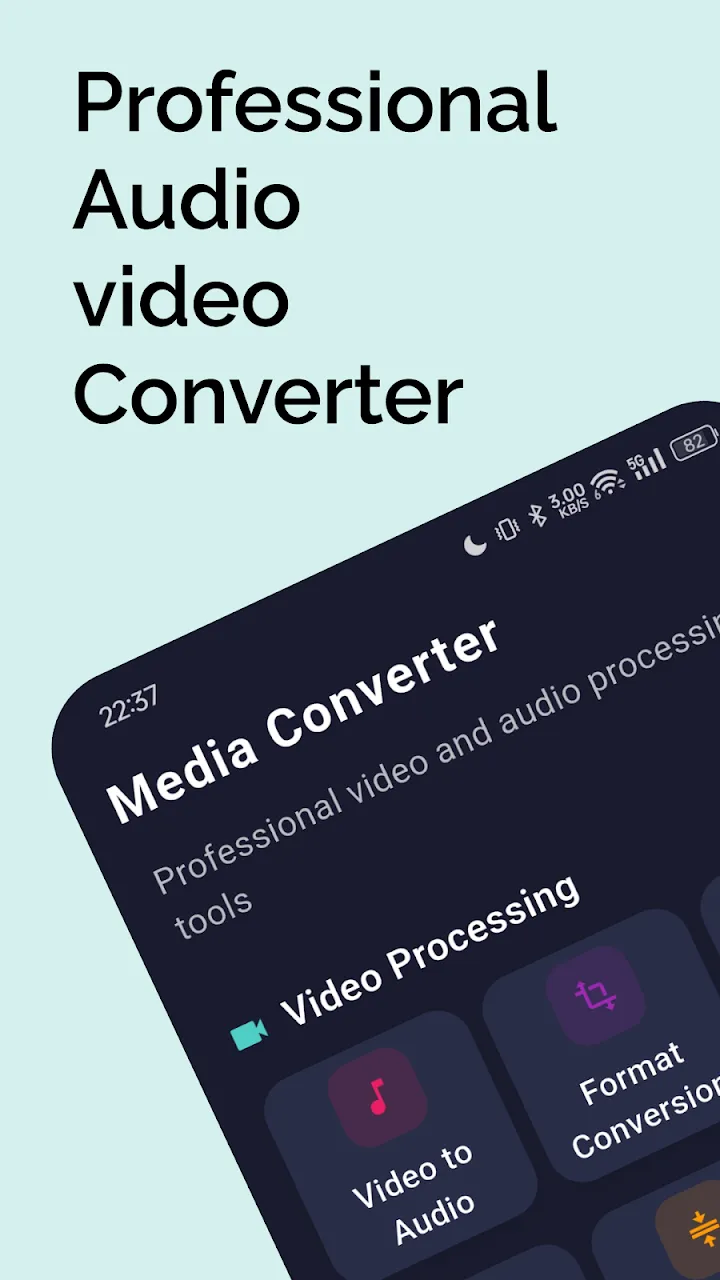
2. Paste into the Downloader
Open the All Video Downloader app. The app is incredibly smart and will often auto-detect the link you just copied to your clipboard. If not, simply paste the link into the main search bar.
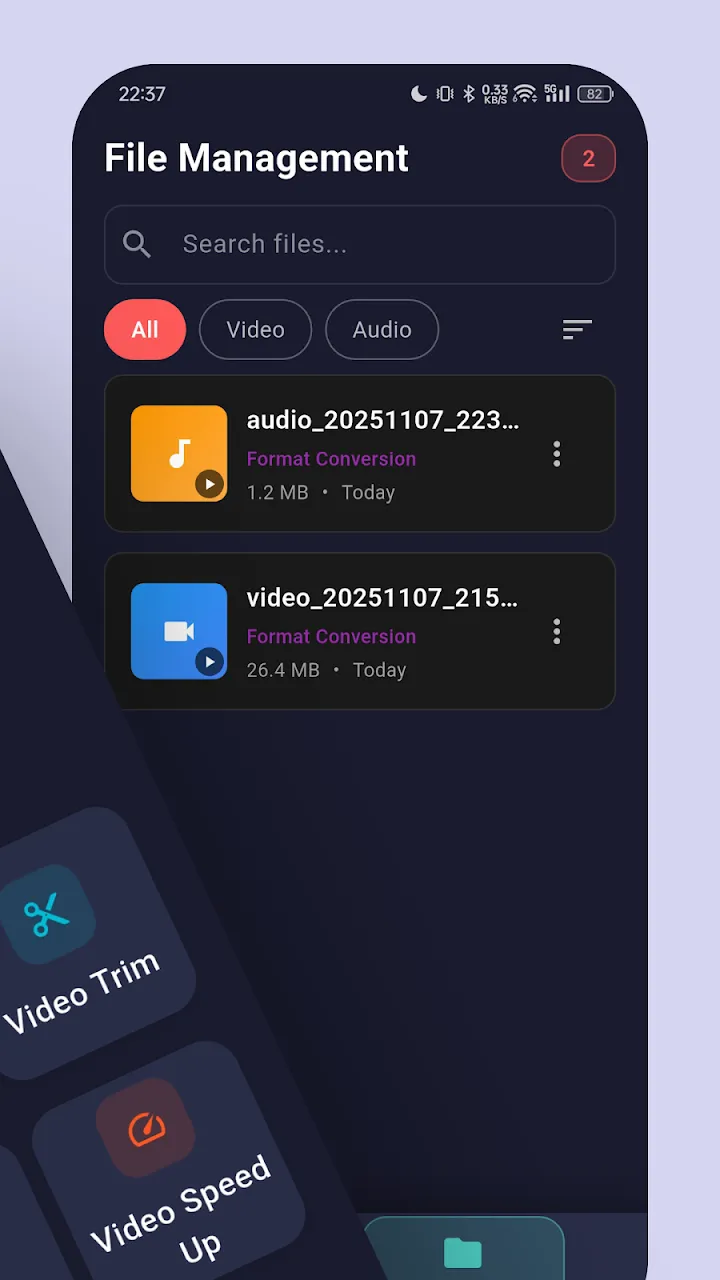
3. Choose Video Quality
The app will analyze the link and fetch the video. It will then present you with several download options. You can choose to download the video in HD, SD, or even extract just the MP3 audio track!
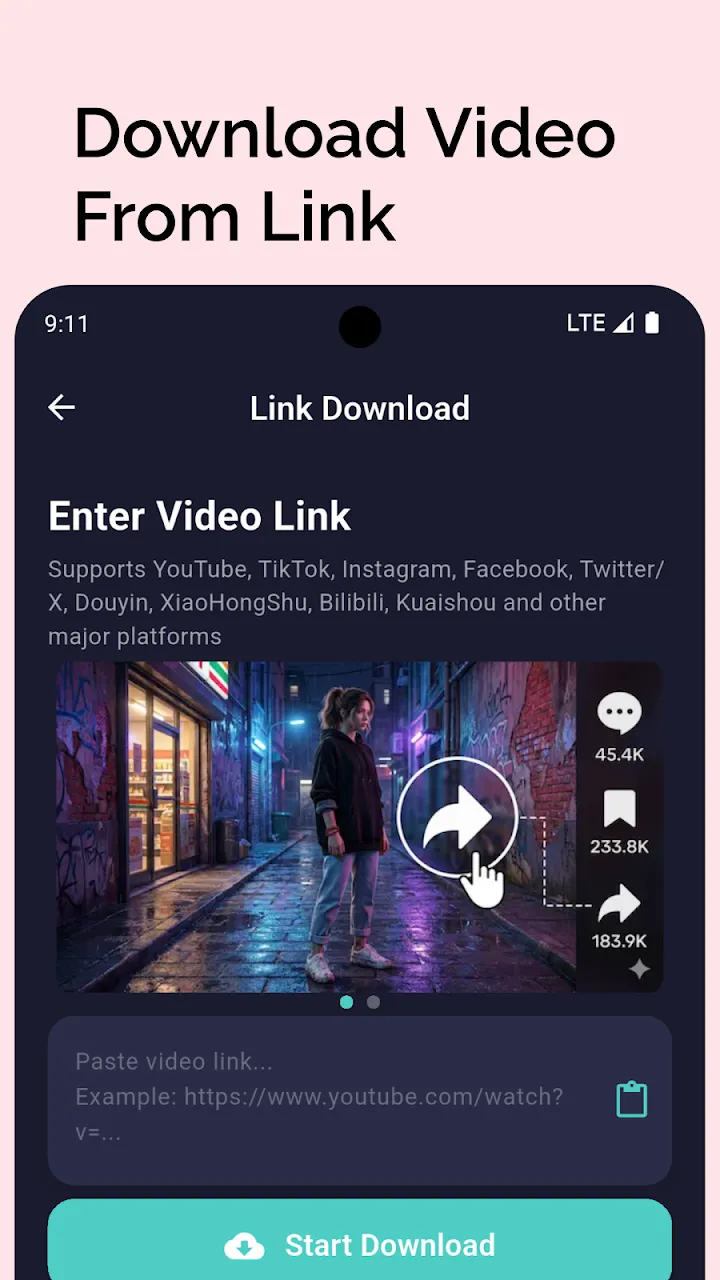
4. Download and Save
Tap your desired quality, and the download will begin instantly. The app utilizes multiple connection threads to maximize download speed.
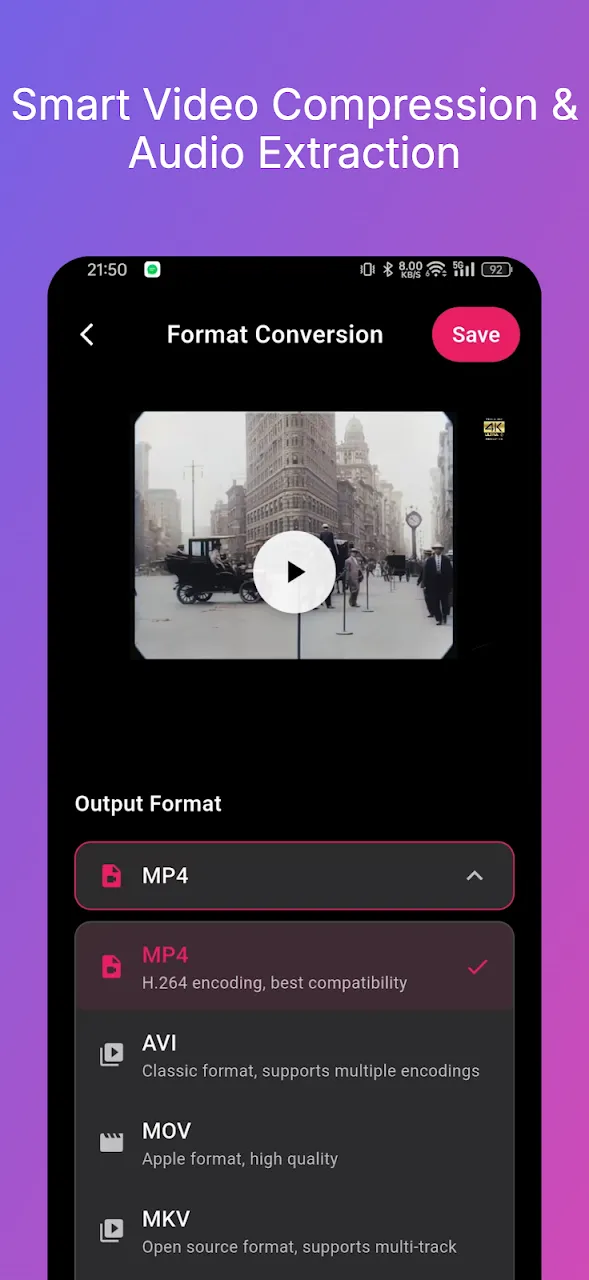
5. Access Your Offline Library
Once finished, the video is saved directly to your phone's gallery. You can also manage all your downloaded clips within the app's built-in media library and player.
Conclusion
Taking control of the content you love is easy with the right tool. By using a powerful video downloader, you can build an incredible offline archive of your favorite social media moments.
📥 Download the App to Start Converting Offline
Ready to try it? Get the official app on the Google Play Store for secure, offline processing.