How to Convert iPhone HEIC Photos to JPG on Android
Can't open photos sent from an iPhone? Learn how to effortlessly batch convert HEIC files to standard JPG format entirely offline.
In This Article
This article covers How to Convert iPhone HEIC Photos to JPG on Android. Can't open photos sent from an iPhone? Learn how to effortlessly batch convert HEIC files to standard JPG format entirely offline.
Key Takeaways
- Published: May 15, 2026
- Category: Tutorial
- Tags: HEIC to JPG, Image Converter, Android Tips
- Views: 768
- Reading time: ~9 min read
"Can't open photos sent from an iPhone? Learn how to effortlessly batch convert HEIC files to standard JPG format entirely offline."
Apple's decision to use the High-Efficiency Image Container (HEIC) format has saved millions of gigabytes of storage space. However, it created a massive headache for everyone else. If an iPhone user sends you a batch of photos, or if you transfer files from an iOS device to Android, you often find yourself with HEIC files that your gallery app cannot open.
In this guide, we will show you how to quickly and securely batch convert those stubborn HEIC files into universally compatible JPGs directly on your Android phone.
[!TIP] ⚡ Quick Answer: How to do it? Simple 3-step guide using HEIC to JPG Converter - Offline offline:
- Launch App: Open the application on your Android device.
- Select Files: Choose the photos or documents from your gallery.
- Convert: Adjust settings and tap convert. The process completes locally on your phone to keep your files secure.
📊 Comparison: Local Android App vs. Online Converters
| Feature | BTTC Offline App | Online Web Tools |
|---|---|---|
| Internet Required | No (100% Offline) | Yes (Required) |
| Privacy & Security | Safe (Files stay on device) | Risk (Files uploaded to cloud) |
| Processing Speed | Instant (Device hardware) | Slow (Depends on upload speed) |
| File Size Limit | No Limit | Usually restricted (< 50MB) |
| Batch conversion | Supported for free | Often paid/pro feature |
Why Convert HEIC to JPG?
- Universal Viewing: JPG is the most widely supported image format in the world.
- Social Media: Many apps and websites will reject HEIC uploads.
- Editing: Older photo editing apps require JPG or PNG formats to work properly.
Step-by-Step Guide
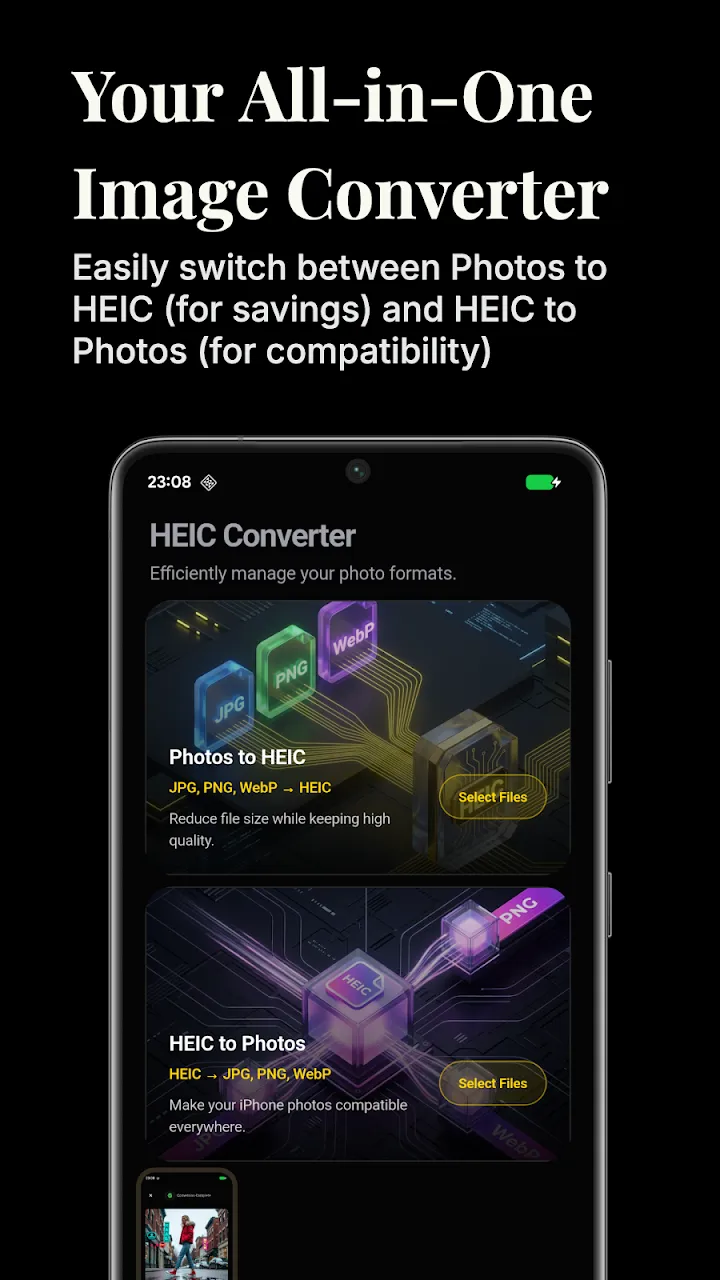
We will use the offline HEIC To JPG Converter app to securely process your photos without relying on a cloud service.
1. Launch the App
Install the app from the Google Play Store. The interface is optimized to handle large batches of iPhone photos.
2. Select Your HEIC Files
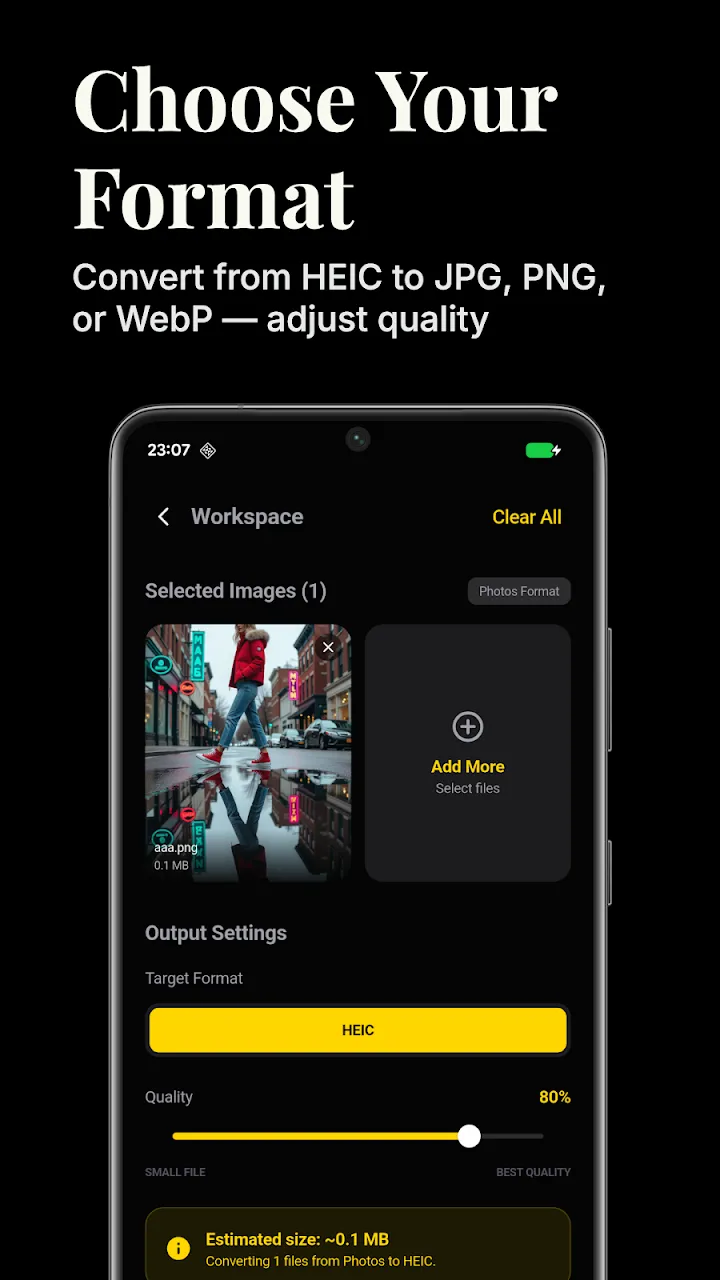
Tap the plus button and browse to the folder containing the HEIC images. You can select dozens or even hundreds of files at the same time for batch processing.
3. Choose JPG Quality
Before converting, you can adjust the output quality. If you want to retain maximum detail, leave the slider at 100%. If you want to save storage space, you can slightly reduce the quality. You can also choose between JPG, PNG, and WEBP outputs.
4. Convert Instantly
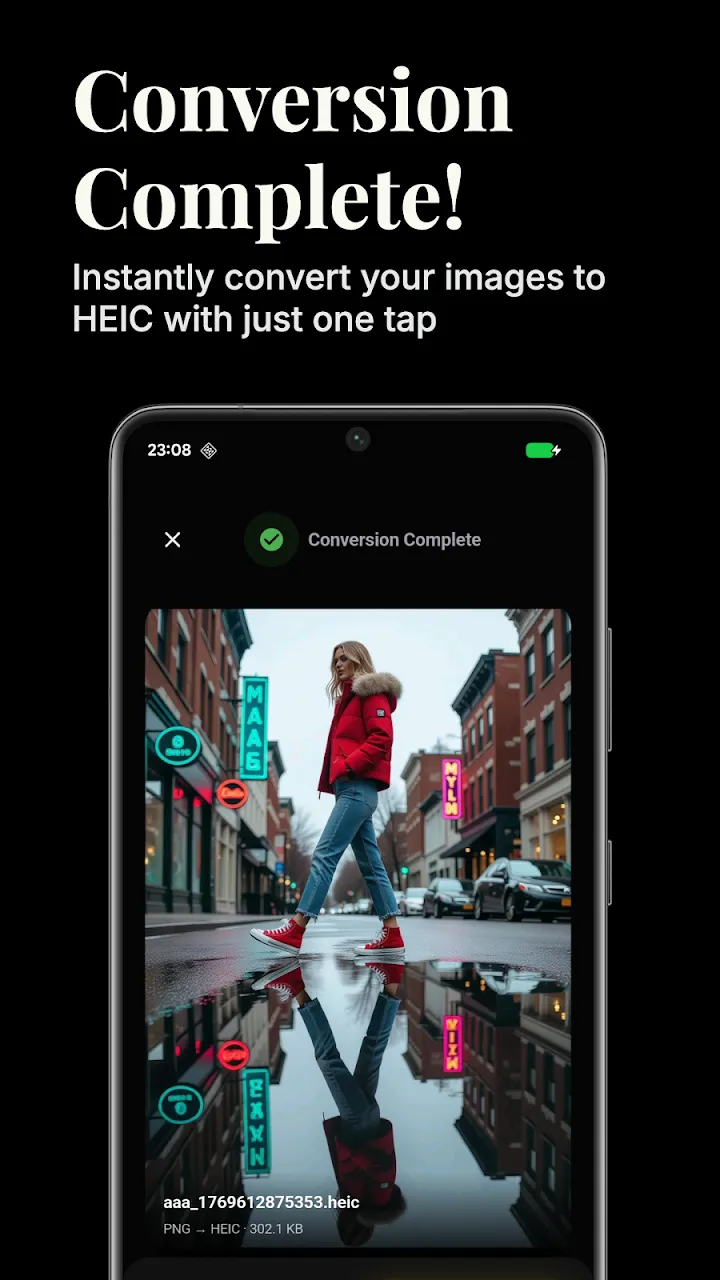
Tap the Convert button. The app's engine works directly on your device, rapidly transforming the HEIC structures into standard JPG files. Because it is completely offline, your private photos are safe.
5. View Your Gallery
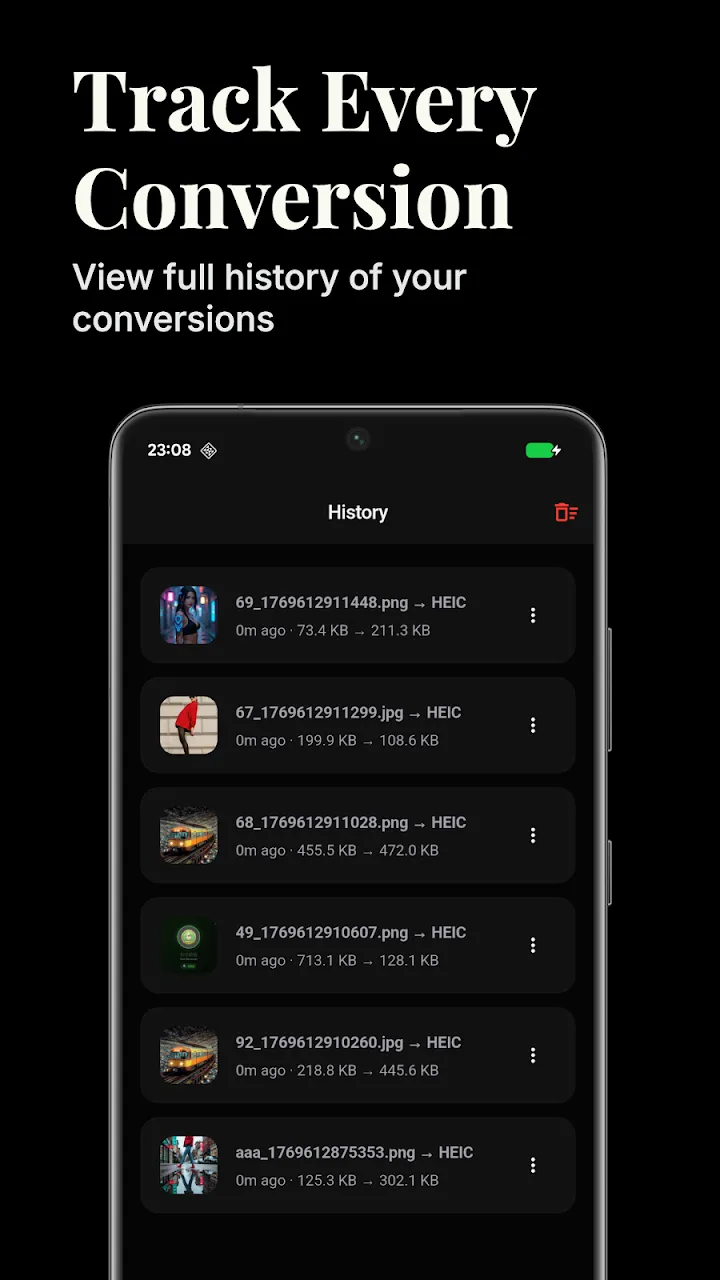
Once complete, the newly created JPGs will appear in your device's native gallery, ready to be edited, shared, or uploaded to any platform.
Conclusion
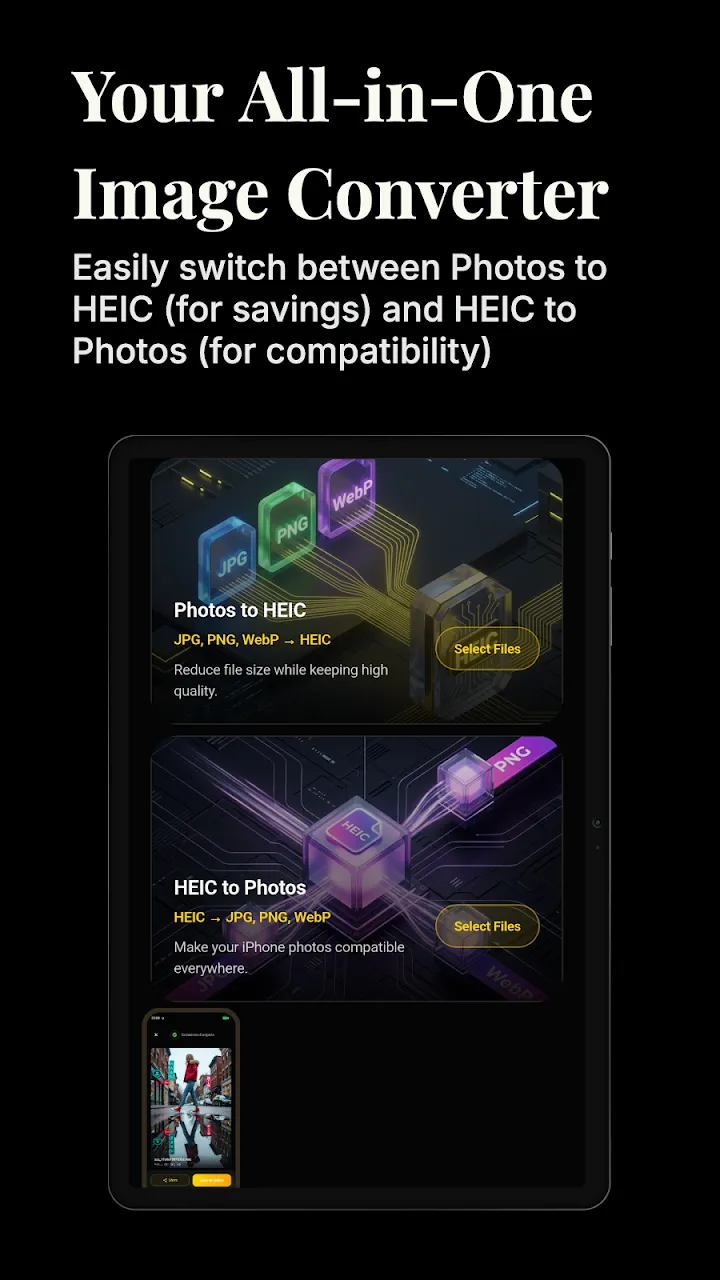
The divide between iOS and Android formats doesn't have to ruin your photo sharing experience. With a robust offline converter, you can make HEIC files universally accessible in seconds.
📥 Download the App to Start Converting Offline
Ready to try it? Get the official app on the Google Play Store for secure, offline processing.