How to Convert AVIF Images to JPG on Android
AVIF images save space but aren't always supported. Learn how to batch convert AVIF files to JPG, PNG, or WEBP quickly and offline.
In This Article
This article covers How to Convert AVIF Images to JPG on Android. AVIF images save space but aren't always supported. Learn how to batch convert AVIF files to JPG, PNG, or WEBP quickly and offline.
Key Takeaways
- Published: May 15, 2026
- Category: Tutorial
- Tags: AVIF Converter, Image Format, Productivity
- Views: 692
- Reading time: ~10 min read
"AVIF images save space but aren't always supported. Learn how to batch convert AVIF files to JPG, PNG, or WEBP quickly and offline."
The AVIF image format represents the future of web compression. It offers incredible image quality at a fraction of the file size of traditional JPGs. However, because it is relatively new, you might encounter compatibility issues when trying to open, edit, or share AVIF images on older devices, software, or websites.
When you download an AVIF image and need to use it somewhere that only accepts JPG or PNG, you need a reliable converter. In this guide, we'll show you how to instantly convert AVIF files to universally supported formats using an offline Android app.
[!TIP] ⚡ Quick Answer: How to do it? Simple 3-step guide using AVIF To JPG Converter - Convert AVIF Images Offline offline:
- Launch App: Open the application on your Android device.
- Select Files: Choose the photos or documents from your gallery.
- Convert: Adjust settings and tap convert. The process completes locally on your phone to keep your files secure.
📊 Comparison: Local Android App vs. Online Converters
| Feature | BTTC Offline App | Online Web Tools |
|---|---|---|
| Internet Required | No (100% Offline) | Yes (Required) |
| Privacy & Security | Safe (Files stay on device) | Risk (Files uploaded to cloud) |
| Processing Speed | Instant (Device hardware) | Slow (Depends on upload speed) |
| File Size Limit | No Limit | Usually restricted (< 50MB) |
| Batch conversion | Supported for free | Often paid/pro feature |
Why You Need an AVIF Converter
- Social Media Uploads: Many platforms still do not support uploading native AVIF files.
- Older Software: Legacy photo editors and document viewers often require JPGs.
- Sharing: Ensure the recipient can actually view the photo you sent them.
Step-by-Step Guide
We'll use the AVIF To JPG Converter app, which supports bidirectional conversion and batch processing.
1. Launch the App
Install the app from the Google Play Store. It features a straightforward interface tailored specifically for image format conversion.
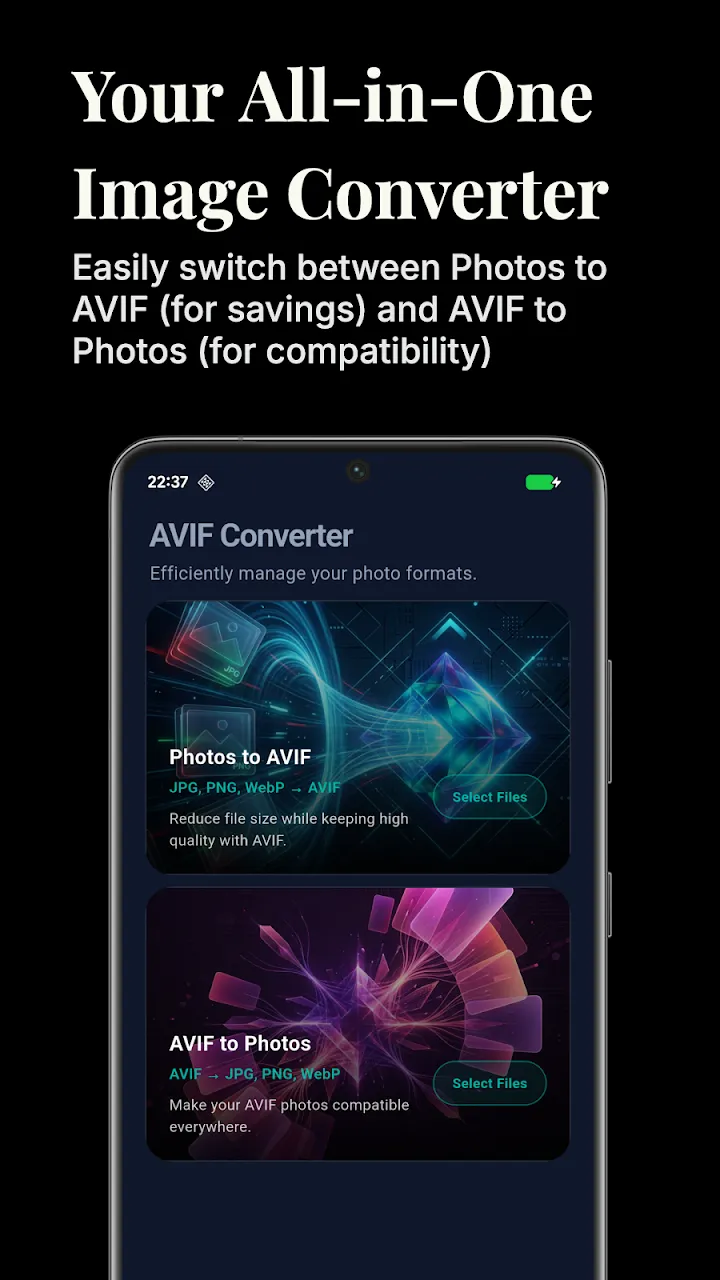
2. Select Your AVIF Files
Tap the "+" button to open your file manager or gallery. The app's built-in file picker makes it easy to locate and select multiple AVIF images at once for batch processing.
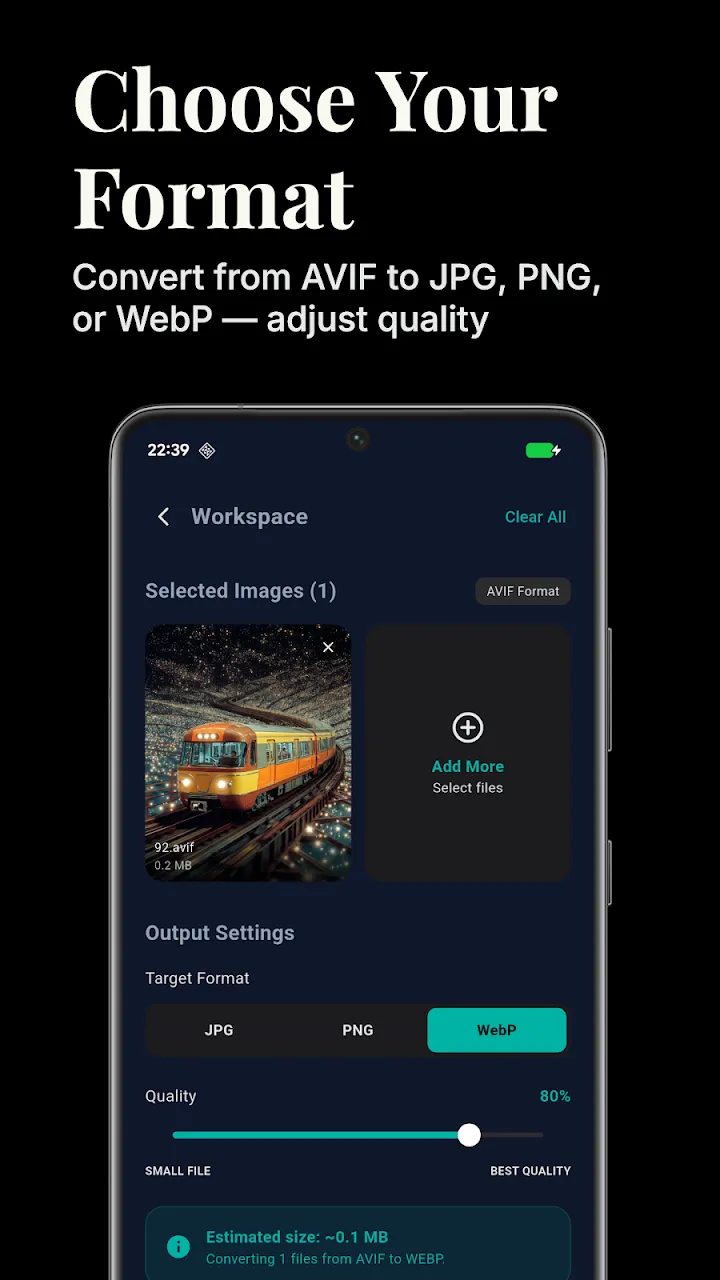
3. Choose Output Format
Once selected, you can choose your desired output format. The app supports converting AVIF to JPG, PNG, and WEBP. You can also adjust the image quality slider to find the perfect balance between visual fidelity and file size.
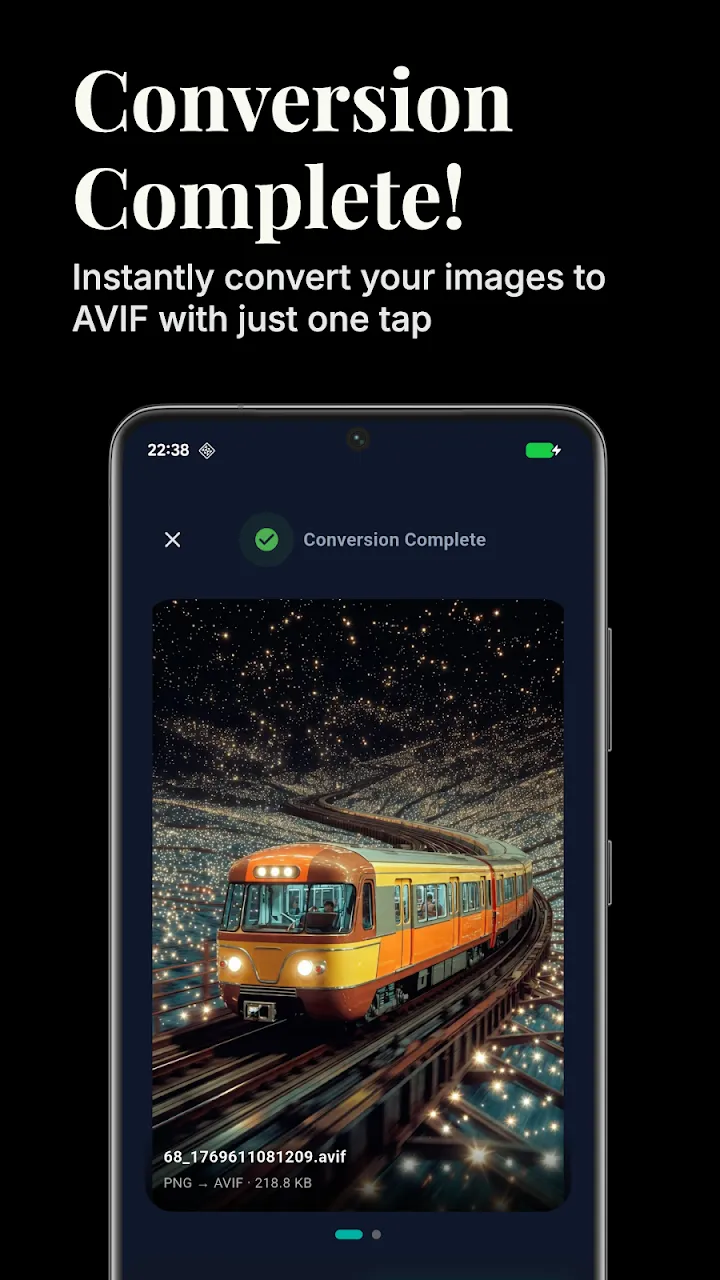
4. Convert and Save
Tap Convert. The app processes the images locally on your device, meaning you don't have to wait for slow cloud uploads, and your photos remain totally private.
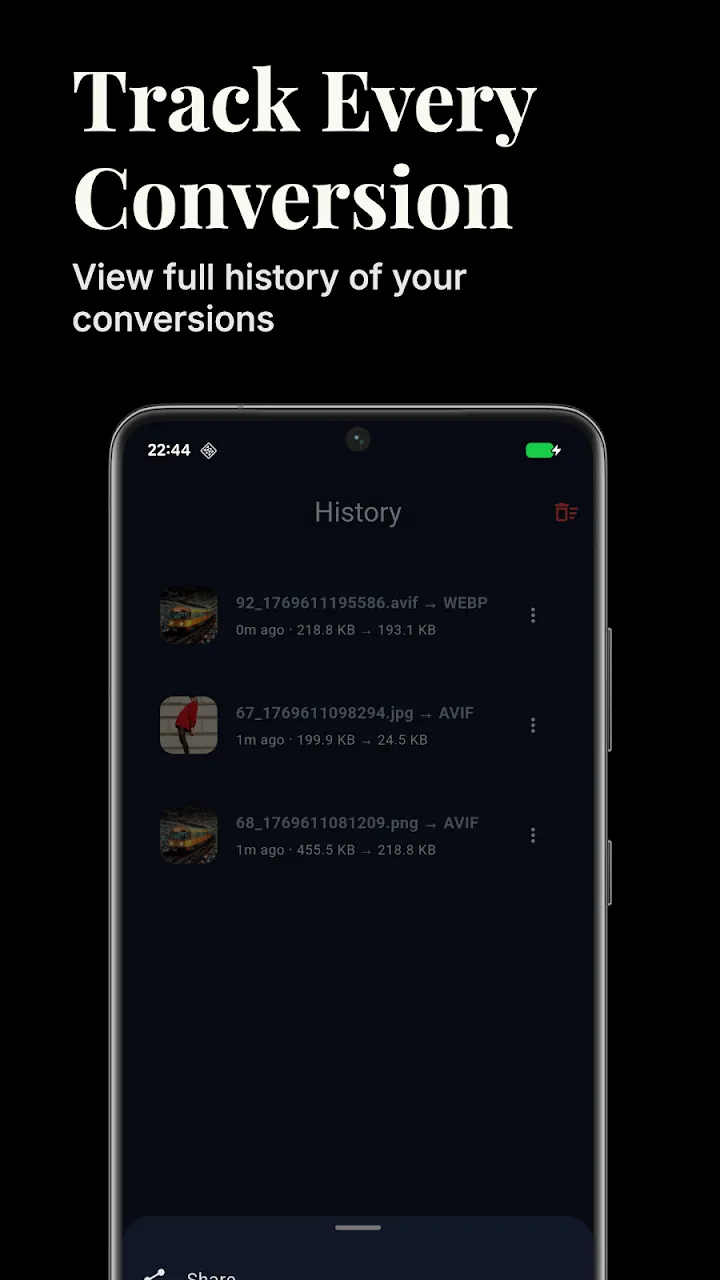
5. Bidirectional Conversion
As a bonus feature, the app also works in reverse! If you have large JPGs that you want to compress, you can use the app to convert them into space-saving AVIF files.
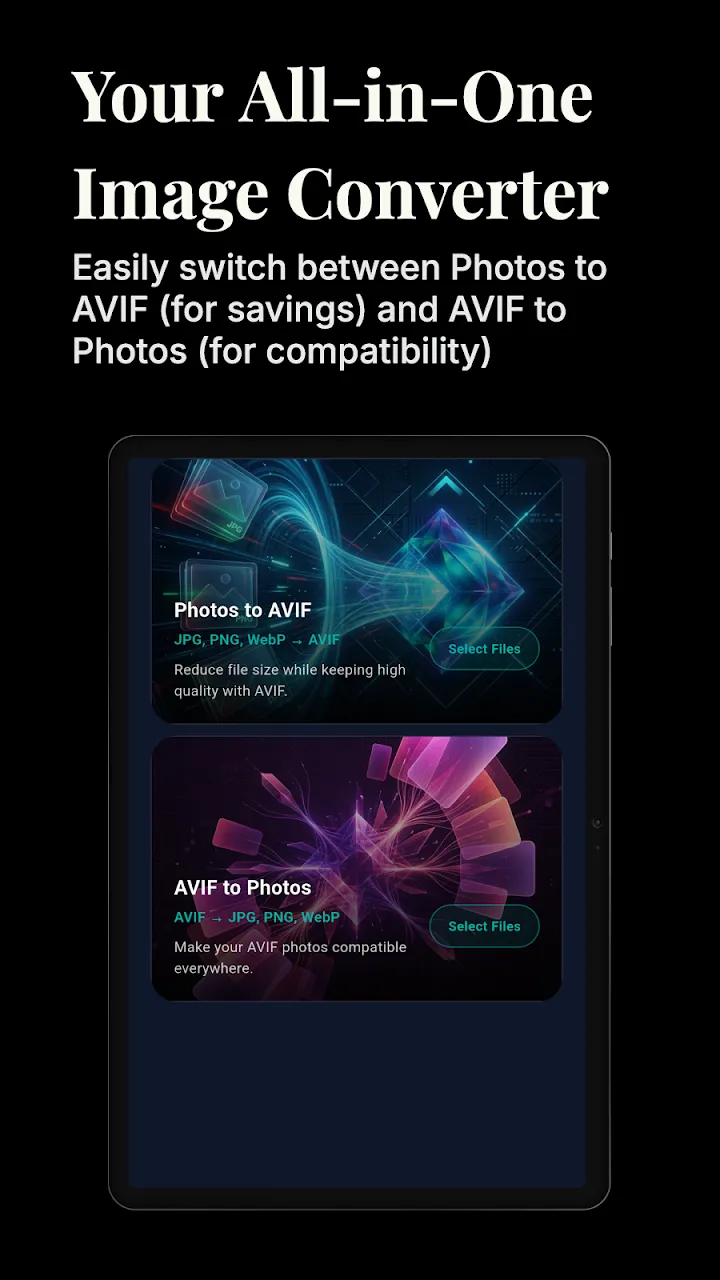
Conclusion
Don't let format compatibility slow down your workflow. With a dedicated offline converter, jumping between modern compression formats like AVIF and legacy formats like JPG takes just a few seconds.
📥 Download the App to Start Converting Offline
Ready to try it? Get the official app on the Google Play Store for secure, offline processing.