GitHub Copilot Comes to Xcode: What the New Coding Assistant Means for Apple Developers
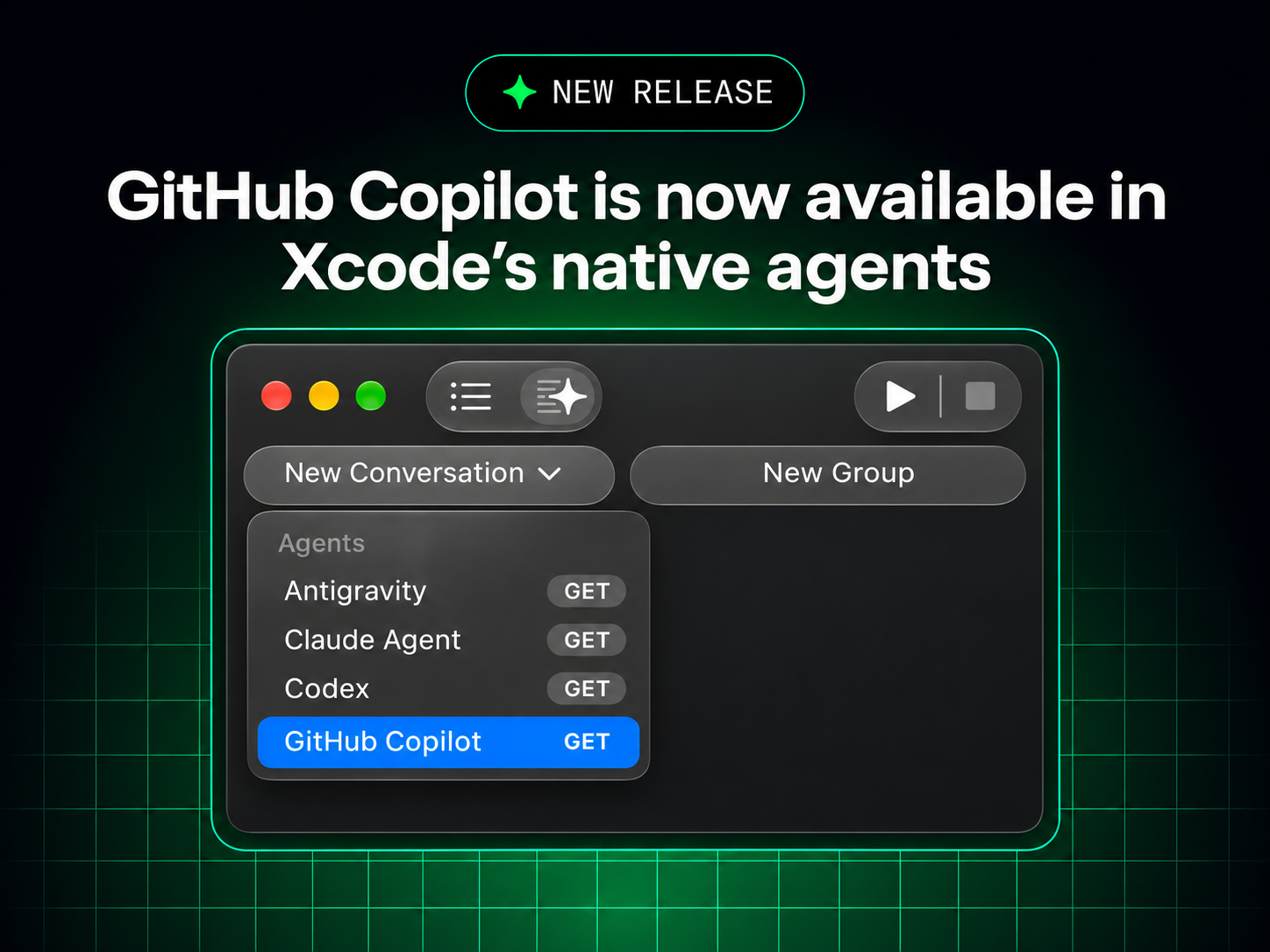
GitHub Copilot is now available in Xcode's Coding Assistant. Here is what Apple developers should expect, how to evaluate the workflow, and which safeguards matter before relying on AI-generated code.
In This Article
This article covers GitHub Copilot Comes to Xcode: What the New Coding Assistant Means for Apple Developers. GitHub Copilot is now available in Xcode's Coding Assistant. Here is what Apple developers should expect, how to evaluate the workflow, and which safeguards matter before relying o...
Key Takeaways
- Published: November 5, 2026
- Category: AI & Developer Tools
- Tags: GitHub Copilot, Xcode, Apple development, Swift, AI coding, developer tools
- Views: 33
- Reading time: ~11 min read
"GitHub Copilot is now available in Xcode's Coding Assistant. Here is what Apple developers should expect, how to evaluate the workflow, and which safeguards matter before relying on AI-generated code."
GitHub announced on November 4, 2026 that GitHub Copilot is now available in Xcode's Coding Assistant. For Apple developers, the important part is not simply that another AI assistant has arrived. The larger change is that a popular coding model can participate inside the environment where Swift projects are edited, compiled, tested, and prepared for distribution.
According to the GitHub Changelog announcement, developers can use Copilot through Xcode's assistant alongside the native development workflow. Apple's official Xcode Tech Talk provides additional context for the Coding Assistant experience. Availability is not a promise that every generated answer is correct, and it does not remove the need to understand Swift, Apple frameworks, signing, privacy, or App Store requirements.
Why the Xcode integration matters
An AI assistant outside the IDE can explain a snippet, but it often lacks the exact project context that determines whether a change will build. Xcode knows the target, platform, framework imports, build settings, source files, diagnostics, and test configuration. When an assistant is connected to that context, its suggestions can become more relevant and its mistakes can become easier to reproduce.
That convenience also raises the cost of a bad suggestion. A plausible Swift answer may compile while introducing a lifecycle bug, an unnecessary permission request, an accessibility regression, or a data-handling problem. The right mental model is not “Xcode can now code for me.” It is “Xcode can help me investigate and draft changes faster, while the project still needs an accountable engineer.”
What developers should test first
Start with narrow tasks that have visible acceptance criteria. Ask the assistant to explain a compiler diagnostic, propose a small unit test, convert a repetitive block into a function, or summarize an unfamiliar file. These tasks let you compare the suggestion with known project behavior without giving an agent broad authority over the repository.
Then test repository-aware work. Can the assistant identify the correct target? Does it preserve the project’s concurrency model and deployment minimum? Does it follow existing naming and error-handling conventions? Does it explain which files it changed and why? A useful assistant should reduce investigation time without hiding the evidence needed for review.
For larger changes, keep the normal Git workflow. Use a branch, inspect the complete diff, run tests on every affected target, and check generated files before committing. Never paste signing keys, production credentials, customer data, or private incident details into a prompt. If a tool can access a repository or execute commands, apply the smallest practical permissions and make the audit trail visible.
The integration does not replace Apple’s tools
Xcode remains the source of truth for Apple project configuration, SDK compatibility, build diagnostics, simulators, signing, and distribution. Copilot can suggest code, but it cannot make a product decision about a user permission, guarantee a safe migration, or prove that an app behaves correctly on every supported device. Developers still need Instruments, XCTest, accessibility checks, crash monitoring, and human review where the risk justifies it.
This is also a reminder to choose a complete toolchain rather than chase one assistant. A terminal, Git client, diff viewer, documentation browser, test runner, and release checklist can matter as much as the model. Browse the BTTC software directory when you need complementary tools for development and productivity, and explore the BTTC blog for more practical software guides.
A practical evaluation checklist
Before adopting the integration for a team, measure outcomes over a representative week. Track time saved on diagnosis, the percentage of suggestions accepted without edits, review comments caused by generated code, test failures, and security findings. Also measure exit paths: can the team keep ordinary commits, patches, and local builds if the assistant is disabled?
The best result may be a modest one. An assistant that explains an unfamiliar API, drafts tests, and shortens repetitive work can be valuable even when engineers reject many suggestions. Teams should document where AI assistance is allowed, require review for production changes, and keep proprietary code and credentials within approved boundaries.
FAQ
The launch makes AI help more convenient inside Xcode, but it does not turn generated code into verified code. Treat every suggestion as a change proposal, preserve a readable diff, and use the native build and test system as evidence.
Conclusion
GitHub Copilot in Xcode is a meaningful workflow update because it brings AI assistance closer to the project context Apple developers already use. Its value will depend less on novelty than on disciplined adoption: small experiments, visible diffs, strong tests, least-privilege access, and engineers who remain responsible for the result.