Android Studio Rabbit 2 and AI Agents: What Developers Need to Know
Android Studio Rabbit 2 is stable, bringing preferred AI agents, device streaming, Compose previews, profiling, and Android-specific skills into one supervised development workflow.

In This Article
This article covers Android Studio Rabbit 2 and AI Agents: What Developers Need to Know. Android Studio Rabbit 2 is stable, bringing preferred AI agents, device streaming, Compose previews, profiling, and Android-specific skills into one supervised development workflow...
Key Takeaways
- Published: October 30, 2026
- Category: Android Development
- Tags: Android Studio, AI agents, Android CLI, Compose, developer tools
- Views: 85
- Reading time: ~15 min read
"Android Studio Rabbit 2 is stable, bringing preferred AI agents, device streaming, Compose previews, profiling, and Android-specific skills into one supervised development workflow."
Android development is moving from AI-assisted autocomplete toward supervised, tool-using agents. Google’s Android Dev Summit announcements on October 28, 2026 make that shift concrete: Android Studio Rabbit 2 is stable, Bring Your Own Agent support is available, and Android CLI can expose device streaming, Compose previews, profiling, bundle analysis, and Android-specific skills to agents.
The important story is not that one model has become the default winner. It is that the Android toolchain is becoming an agent interface. Developers can choose the coding agent that fits their budget, privacy requirements, and workflow while still giving that agent access to Android Studio’s project context and validation tools.
TL;DR: Android Studio is becoming an agent workspace
Rabbit 2 lets developers use Claude Agent, Codex, Antigravity, or other ACP-compatible agents from inside Android Studio. Android CLI adds practical verification capabilities, including remote device streaming and Compose previews. The result is a workflow where an agent can make a change, render the UI, inspect logs, profile performance, and review an app bundle instead of stopping after generating code.
This does not remove the need for engineering judgment. It changes where that judgment is applied: developers need to define boundaries, review diffs, protect secrets, and require evidence from real builds and devices.
What changed in Android Studio Rabbit 2
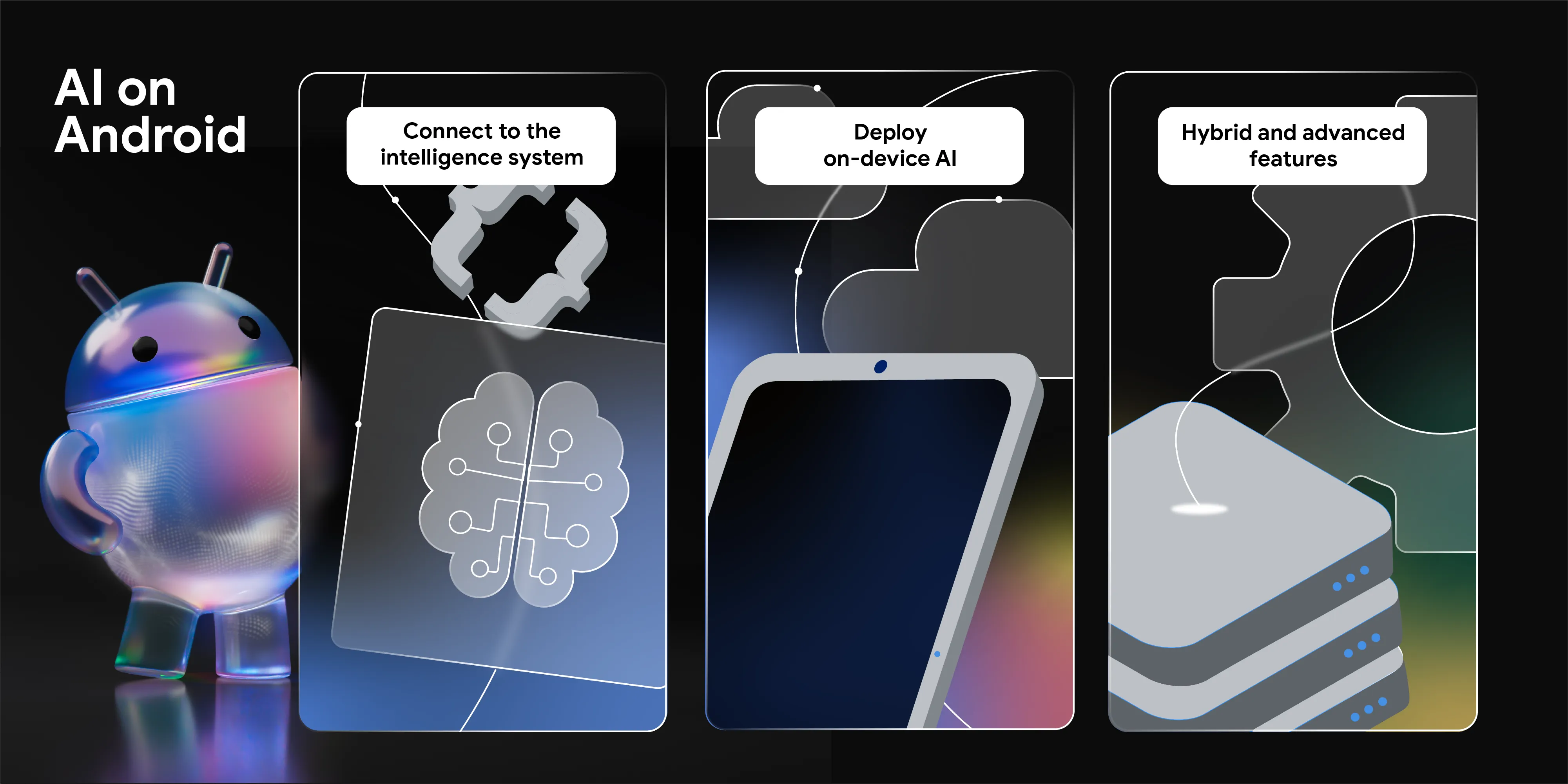
The headline feature is Bring Your Own Agent. Google says Rabbit 2 is stable and supports more than 40 ACP-compliant agents, including Claude Agent, Codex, and Antigravity. The agent runs in the Android Studio environment, where it can work with project structure, symbol resolution, build systems, the emulator, Logcat, and Compose Preview.
That context matters. A generic coding assistant can suggest Kotlin, but an Android-aware agent can also reason about Gradle modules, resource qualifiers, manifest permissions, Compose recomposition, and device behavior. The quality difference comes from the feedback loop, not only from the language model.
Android Studio’s updated agent workflow also adds AI code review and a skills manager. Skills provide focused procedures for areas such as permission security, widget layouts, Compose performance, and other Android tasks. A skill is not a substitute for tests, but it can give an agent current, repeatable instructions instead of leaving it to guess from a broad prompt.
Android CLI turns validation into agent tools
The new Android CLI capabilities are especially relevant for teams that prefer terminal-first workflows. Device streaming can let an agent test against a real remote device through Firebase, while Compose previews let it validate visual changes without building and installing an APK for every iteration.
Profiling is another important addition. Agents can capture production-grade Perfetto traces to investigate cold-start latency, UI jank, and background wakeups. Bundle and library analysis can surface quality signals such as shrinking, optimization, and obfuscation before an upload. These checks move an agent from “the code compiles” toward “the artifact is closer to release quality.”
Google also describes more than 30 Android skills covering over 20 areas. The practical value depends on how well a team combines them with repository rules. For example, a permission-security skill should operate alongside a project policy that forbids logging tokens, changes to release signing, or unreviewed manifest expansion.
The right operating model: delegate loops, not decisions
Agentic Android development works best when the agent owns a bounded loop and the human owns the acceptance criteria. A useful loop looks like this:
- Ask the agent to inspect the repository and write a short plan.
- Require a small, reviewable change rather than a broad rewrite.
- Ask it to run unit tests, lint, and the relevant build variant.
- Use Compose Preview, device streaming, Logcat, or profiling to collect evidence.
- Review the diff and the evidence before allowing the next change.
This process is slower than blindly accepting a large patch, but it is faster than debugging an opaque agent-generated rewrite. It also creates a clean audit trail for security-sensitive code and release work.
For Android users who are evaluating tools rather than building apps, the same principle applies. Prefer software with clear permissions, official download channels, reproducible version information, and enough documentation to understand what an AI feature can access. BTTC’s Android software reviews and official download directory is a practical starting point when comparing tools before installation.
What developers should verify before adopting it
First, confirm the agent’s access model. Know whether prompts, repository files, logs, screenshots, and device data are sent to a cloud provider. Apply the least-privilege principle to credentials and use a separate test project for experiments.
Second, pin the acceptance gates. A green response from an agent is not a build receipt. Require the exact Gradle task, test output, APK or AAB checksum when relevant, and a human review of changed permissions and dependencies.
Third, test across form factors. Google is also expanding Compose-first adaptive tooling for phones, foldables, tablets, laptops, cars, and XR. An agent can help audit layouts, but it cannot replace a real check of navigation, input, focus, camera behavior, or performance on representative hardware.
Finally, measure whether the tool improves delivery rather than merely increasing generated code. Track review time, escaped defects, build failures, and the number of changes reverted after agent involvement. Those metrics are more useful than counting prompts or lines produced.
FAQ
Is Android Studio Rabbit 2 only for Google’s Gemini models?
No. Google’s announcement positions Bring Your Own Agent as a way to use preferred ACP-compatible agents, including Claude Agent, Codex, and Antigravity, inside Android Studio. Availability, account requirements, pricing, and capabilities can vary by agent.
Can an Android agent test a real device?
Android CLI now includes device streaming powered by Firebase, according to Google’s announcement. Teams should still verify device availability, network behavior, account permissions, and the exact test evidence produced by their configuration.
Does agent support eliminate Android testing?
No. Agents can help run checks and interpret results, but release confidence still needs automated tests, build verification, security review, and representative device testing. Treat generated changes as untrusted until they pass your normal gates.
Conclusion
Android Studio Rabbit 2 is significant because it makes agent choice and Android-specific validation part of the same workflow. The winning pattern is not “let an agent write the whole app.” It is to give a capable agent a narrow task, strong repository rules, and concrete feedback tools, then keep humans responsible for security, product behavior, and release evidence. That approach can make Android work faster without turning the build into a black box.