Android Studio Rabbit 2: What the Agent-First Android Workflow Means for Developers
Android Studio Rabbit 2 is stable with Bring Your Own Agent, Change Review, and deeper Android tooling. Here is a practical, safety-first guide to adopting it.

In This Article
This article covers Android Studio Rabbit 2: What the Agent-First Android Workflow Means for Developers. Android Studio Rabbit 2 is stable with Bring Your Own Agent, Change Review, and deeper Android tooling. Here is a practical, safety-first guide to adopting it.
Key Takeaways
- Published: October 31, 2026
- Category: Android Development
- Tags: Android Studio, AI agents, developer tools, Android development, software guide
- Views: 89
- Reading time: ~17 min read
"Android Studio Rabbit 2 is stable with Bring Your Own Agent, Change Review, and deeper Android tooling. Here is a practical, safety-first guide to adopting it."
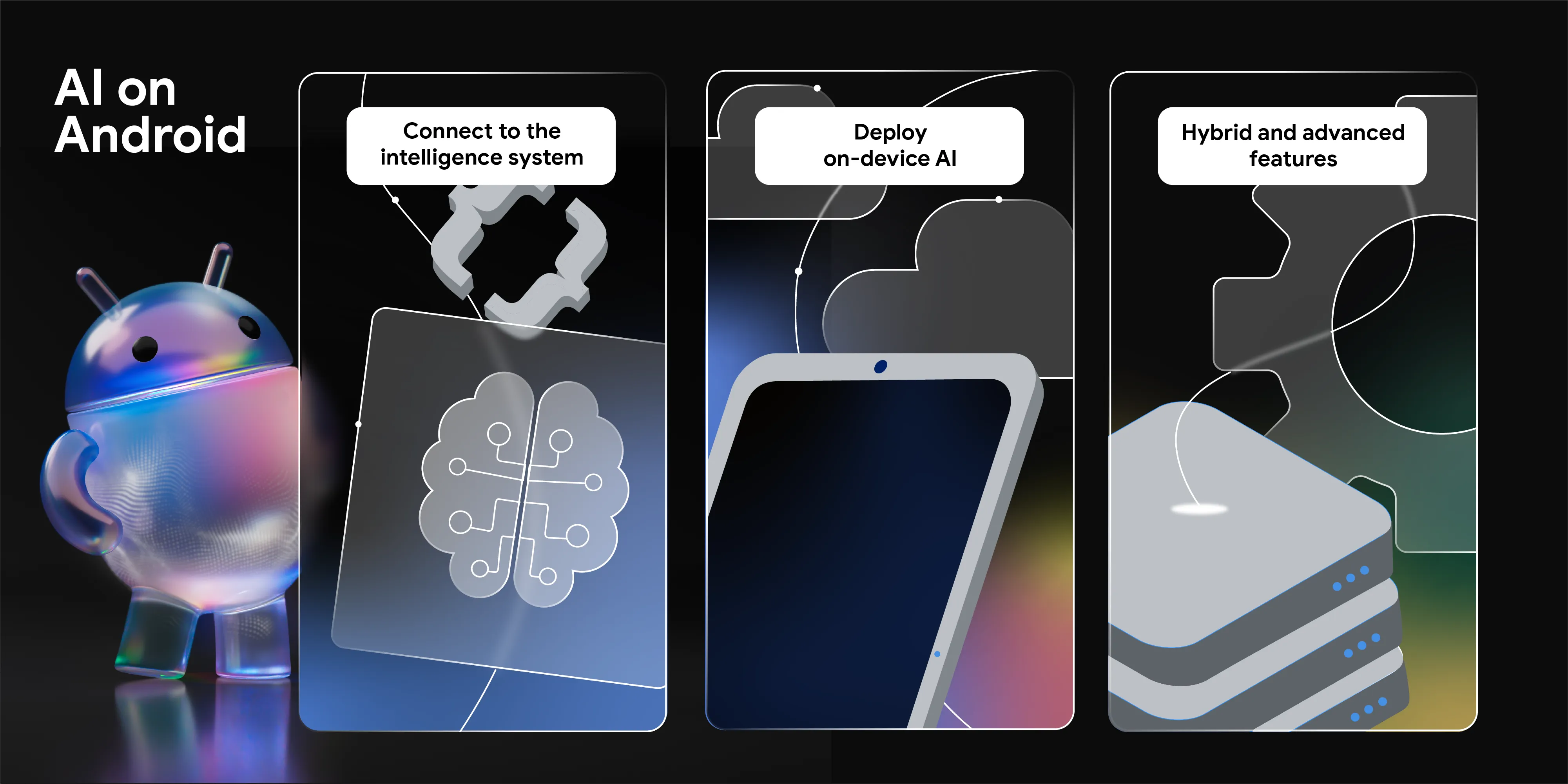
Android Studio Rabbit 2 became stable on October 28, 2026, with a release that treats AI agents as part of the Android development environment rather than as a separate chat window. The practical change is not simply that the IDE can generate more code. It can now connect developers to more than 40 Agent Client Protocol (ACP)-compatible agents, give those agents access to Android-aware tools, and add review and debugging workflows around the changes they produce.
For developers deciding what to install, the release is a useful signal: the next Android toolchain will be judged by how well it combines model choice, project context, testing access, and human verification. This guide explains what Rabbit 2 changes, where it can save time, and how to adopt it without turning an AI assistant into an unchecked deployment path.
What Android Studio Rabbit 2 actually adds
Google's stable release centers on Bring Your Own Agent (BYOA). In Settings > Tools > AI > Agents, developers can browse and install supported agents, then switch between them inside the same project. The official announcement names Claude Agent, Codex from OpenAI, Google Antigravity, and more than 40 ACP-compatible options.
The important detail is the surrounding context. An agent working inside Android Studio can use project structure and symbol information, Compose previews, the Android Emulator, Logcat, build systems, and other IDE capabilities. That makes the workflow different from copying a code snippet from a general chatbot into a project and hoping it compiles.
The release also introduces an agentic Change Review experience. Developers can start a review from agent changes, pending commits, or the Git changes view. The review can identify recommended fixes and produce a guided walkthrough that groups related diff chunks instead of forcing a developer to inspect files in alphabetical order. This does not replace code review, but it can make the first pass more systematic.
Why agent choice matters more than a single model benchmark
Teams rarely have one universal AI requirement. A solo developer may want a fast consumer plan. A company may need a model covered by an existing contract, strict data controls, or a provider with regional availability. A project may also need different agents for code generation, refactoring, testing, and investigation.
Rabbit 2 makes that variety visible in the IDE. Switching agents is not automatically a quality improvement, but it reduces the cost of testing which tool is best for a specific task. A migration assistant, a crash investigation, and a UI polish pass can have different context needs. The best agent for one job may be a poor choice for another.
The useful mental model is not “AI writes the app.” It is “the IDE provides a controlled workbench in which several agents can perform bounded tasks.” Keep the repository, build configuration, test commands, and review policy as the source of truth. Let the agent propose changes, but keep a human accountable for architecture, security, dependency updates, and release decisions.
The workflow that can save real time
A safe Rabbit 2 workflow starts with a small, observable task. Ask an agent to explain a failing test, migrate one screen from XML Views to Compose, or trace a reproducible memory issue. Before it edits anything, require a plan and list of files. After the change, run the normal build and tests, inspect the diff, and use Change Review as a second pass.
This approach is especially useful for maintenance work. Android projects accumulate build warnings, outdated APIs, repetitive UI code, and performance regressions. An agent can search broadly and prepare a patch faster than a developer working manually. Android Studio's project model and previews then make it easier to catch errors that would be invisible in a plain text editor.
The same principle applies to the command line. Google's broader Android Dev Summit announcement describes Android CLI capabilities for device streaming, Compose previews, profiling with production-grade traces, bundle analysis, and Android skills. These tools matter when a team wants agents to work in CI or a terminal, but they also raise the importance of permissions and reproducible checks.
What to verify before trusting an AI-generated patch
First, verify the scope. A useful patch should identify the files changed, the commands run, and any assumptions. If an agent claims a fix but cannot show a test result or explain the behavior it changed, treat the result as a draft.
Second, verify runtime behavior. Compose previews and emulator checks are valuable, but they are not a substitute for testing on representative devices. Check navigation, permissions, background work, network failures, accessibility, and state restoration. For performance work, compare traces or measurements before and after the change.
Third, verify supply-chain risk. Review new dependencies, Gradle plugins, generated files, API keys, and permissions. An agent can make a clean-looking change that expands data access or adds a package your organization has not approved. Keep secrets out of prompts and use repository-level rules to constrain commands.
Finally, verify the release boundary. An agent should not be allowed to publish an APK or AAB merely because a build succeeded. Signing, Play Console tracks, staged rollout, and production promotion need explicit human approval. The more capable the tool becomes, the more important it is to separate experimentation from release authorization.
Who should download Rabbit 2 now?
Rabbit 2 is a strong candidate for Android developers who already use AI coding tools and want better project context, or for teams that want to compare several agents without changing IDEs. It is also relevant to developers working on Compose migrations, memory investigations, XR prototypes, or large code reviews.
It may be less urgent for a stable project with a strict offline workflow, limited hardware, or an organization that has not yet defined agent permissions. In those cases, start with a pilot project and document what the agent can read, write, execute, and submit.
You can download the latest Android development tools from the official Android Studio site, then use BTTC's software directory to compare Android utilities and adjacent productivity tools before choosing a wider toolkit.
Frequently asked questions
Is Android Studio Rabbit 2 an AI coding model?
No. Rabbit 2 is the Android Studio release. BYOA connects supported coding agents and models to the IDE; the agent provider and plan still determine many model capabilities and policies.
Can an agent run Android tests and inspect Logcat?
The release is designed to give supported agents access to Android Studio tools such as builds, the Emulator, Compose previews, and Logcat. Teams should still verify which permissions and integrations are enabled for their chosen agent.
Does Change Review replace a human reviewer?
No. It can organize changes and suggest fixes, but a human still needs to evaluate product behavior, security, architecture, and release risk.
Should every Android developer switch immediately?
Not necessarily. A small pilot with clear permissions and repeatable checks is safer than enabling autonomous changes across a production repository.
Conclusion
Android Studio Rabbit 2 is important because it turns agent choice into an IDE workflow. The lasting advantage is not that one model writes more lines; it is that developers can combine project-aware tools, multiple agents, previews, tests, diagnostics, and guided review in one place. Adopt it as a controlled engineering workbench, keep release authority separate, and measure completed, verified work rather than generated code volume.