Google Pics in Workspace: A Practical Checklist for AI Image Workflows
Google Pics brings AI image creation and editing into Workspace. Here is how teams should use it for slides, docs, marketing visuals, and safer software choices.
In This Article
This article covers Google Pics in Workspace: A Practical Checklist for AI Image Workflows. Google Pics brings AI image creation and editing into Workspace. Here is how teams should use it for slides, docs, marketing visuals, and safer software choices.
Key Takeaways
- Published: September 3, 2026
- Category: AI Tools
- Tags: AI image tools, Google Workspace, Productivity, Creative workflow, Software selection
- Views: 287
- Reading time: ~14 min read
"Google Pics brings AI image creation and editing into Workspace. Here is how teams should use it for slides, docs, marketing visuals, and safer software choices."
Google Pics is a useful signal for anyone who creates presentations, help documents, product pages, social posts, or internal reports. Google says the new image creation and editing tool is built on its latest Nano Banana model and is becoming available to Google AI Pro and Ultra subscribers, with Workspace integrations planned for Slides, Docs, and Drive. The announcement matters because AI image generation is moving from standalone playgrounds into the software where everyday work already happens.
For BTTC readers, the practical question is not whether AI can make a nice picture. The real question is when an integrated cloud image tool is the right choice, when a downloadable utility is safer, and how teams can avoid low-quality or risky visuals. A marketing team may want a fast concept image for a slide deck. A student may need an illustration for notes. A product manager may need a simple diagram. A developer may still need local tools for screenshots, compression, watermarking, PDF handling, or offline file cleanup. That is where a curated software catalog like BTTC remains valuable: it helps users match the job to the right tool instead of treating every AI feature as a universal solution.
TL;DR: AI image tools are becoming part of the work surface
Google Pics points to a broader shift. AI image generation is no longer only a destination app where users type a prompt and download a file. It is becoming a feature inside documents, slides, drives, design systems, and collaboration flows. That reduces friction, but it also raises the stakes for source tracking, brand consistency, privacy, and review.
The best workflow is simple: use integrated AI image tools for fast drafts and context-aware edits, then use specialized software when you need compression, batch processing, exact file formats, local privacy, or repeatable production output. Treat the AI image as a creative starting point, not as final evidence.
What Google announced
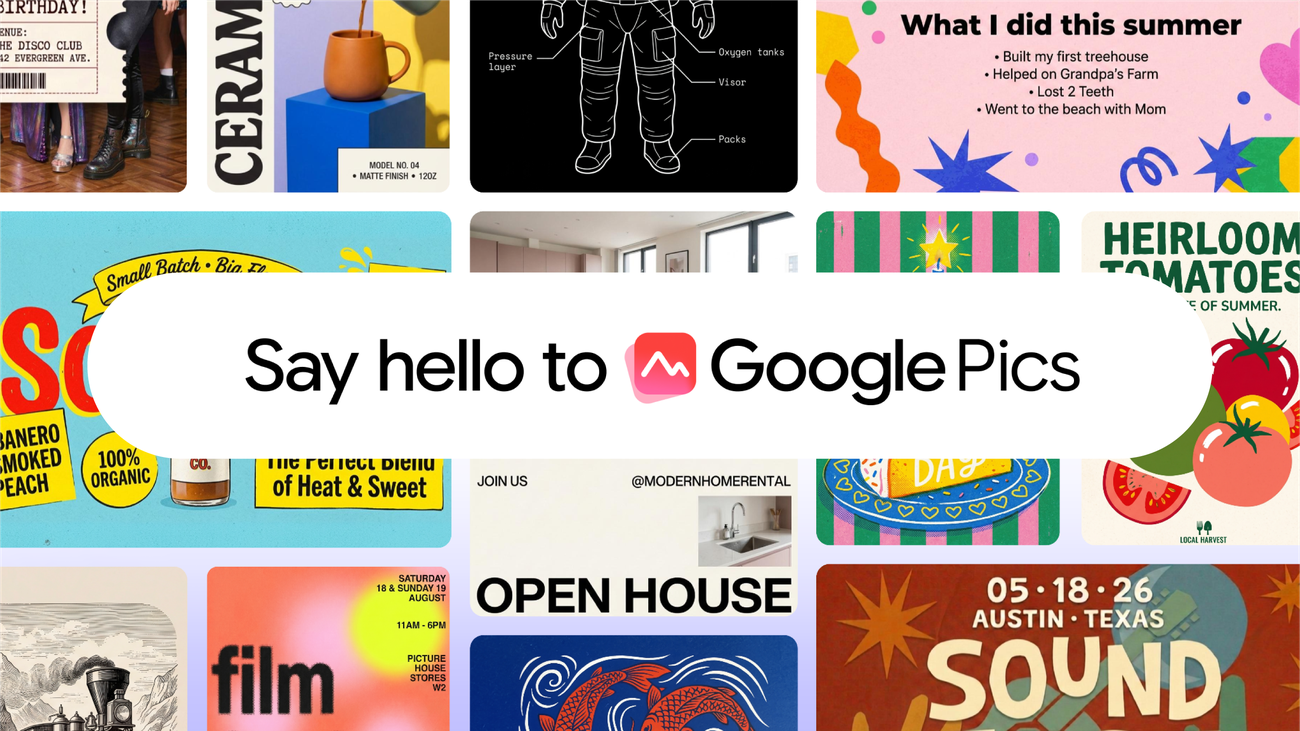
In its official blog post, Google describes Google Pics as an image creation and editing tool built on Nano Banana. The product is positioned for generating, refining, and co-creating images with precision. Google also says upcoming Workspace integrations will make it possible to create and edit directly inside Google Slides, Docs, and Drive. That is the key detail for workflow planning: the feature is not just about making images, but about shortening the path between an idea and the document where that image will be used.
This could be especially useful for teams that create many lightweight visuals: sales slides, explainer graphics, classroom materials, internal announcements, mockups, thumbnails, and early campaign concepts. It may also help non-designers communicate ideas before a professional designer polishes them.
A practical checklist before using Google Pics at work
First, define the purpose of the image. Is it a rough concept, a decorative visual, a product screenshot, a factual diagram, or a customer-facing brand asset? AI tools are strongest for ideation and remixing, but they can be weak at precise UI details, small text, numerical charts, and anything that must represent reality exactly. If the image is factual, keep the source data and review the final output manually.
Second, check privacy and permissions. If a prompt includes customer names, private roadmap details, unreleased app screenshots, or confidential contracts, do not paste it into a tool until your organization has approved that data flow. Integrated Workspace tools may make sharing easier, but easy sharing is not the same as safe sharing.
Third, plan the finishing step. A generated image often needs resizing, compression, format conversion, metadata cleanup, or placement inside a PDF. For those tasks, readers can compare dedicated utilities in the BTTC software section and choose tools that fit their device, platform, and privacy needs.
Where AI image tools fit in a real content pipeline
For bloggers and small businesses, Google Pics can speed up the early creative loop. Draft a hero concept, produce variations for social posts, or create a slide illustration that explains a workflow. Then write down what the image is supposed to communicate and verify that the final visual still matches the article. If it does not, revise the prompt or use a simpler graphic.
For SEO and GEO, images should support the page rather than distract from it. Use descriptive alt text, keep image URLs stable, and avoid generic art that could appear on any article. AI search systems and traditional search engines both benefit from pages that combine a clear summary, structured sections, source links, and useful visuals. BTTC's blog follows this pattern by connecting technology news to practical tool decisions.
When to choose a downloadable tool instead
Cloud AI image features are convenient, but they are not always the best operational choice. Use local or specialized software when you need to process many files, preserve originals, remove metadata, work offline, edit screenshots precisely, or keep sensitive images on your device. Also consider dedicated tools when the output needs exact dimensions, predictable compression, or a repeatable export pipeline.
A healthy workflow can use both. Google Pics can help create the first visual direction; a downloadable editor, compressor, screenshot tool, or PDF utility can finish the asset. The goal is not to collect more apps. The goal is to reduce friction while keeping control over quality, privacy, and file formats.
FAQ
Is Google Pics available to everyone?
Not universally. Google's announcement says Google Pics is available to Google AI Pro and Ultra subscribers, with Workspace integrations planned. Availability can vary by account, region, and product rollout.
Can AI-generated images be used in business documents?
They can be useful for drafts, concepts, and lightweight visuals, but teams should review brand fit, factual accuracy, privacy, licensing terms, and any policy requirements before publishing customer-facing material.
What should I do after generating an image?
Check the image for errors, add descriptive alt text, compress or resize it when needed, keep a record of the source or prompt context, and use trusted software for final file handling.
Conclusion
Google Pics shows AI image creation becoming part of everyday productivity software. Use it to move faster, but keep a clear review step. The strongest workflow pairs cloud-based creative drafting with reliable downloadable utilities for finishing, privacy, and repeatable file management.

