Google Images at 25: How Visual Search Became a Software Workflow
Google Images turning 25 shows how visual search has evolved into a practical workflow for finding tools, verifying sources, and choosing software.
In This Article
This article covers Google Images at 25: How Visual Search Became a Software Workflow. Google Images turning 25 shows how visual search has evolved into a practical workflow for finding tools, verifying sources, and choosing software.
Key Takeaways
- Published: July 15, 2026
- Category: NEWS
- Tags: Google Images, Visual Search, AI Search, Software Discovery, Productivity, Image Tools
- Views: 323
- Reading time: ~14 min read
"Google Images turning 25 shows how visual search has evolved into a practical workflow for finding tools, verifying sources, and choosing software."
Source: https://blog.google/products-and-platforms/products/search/google-images-25th-anniversary/
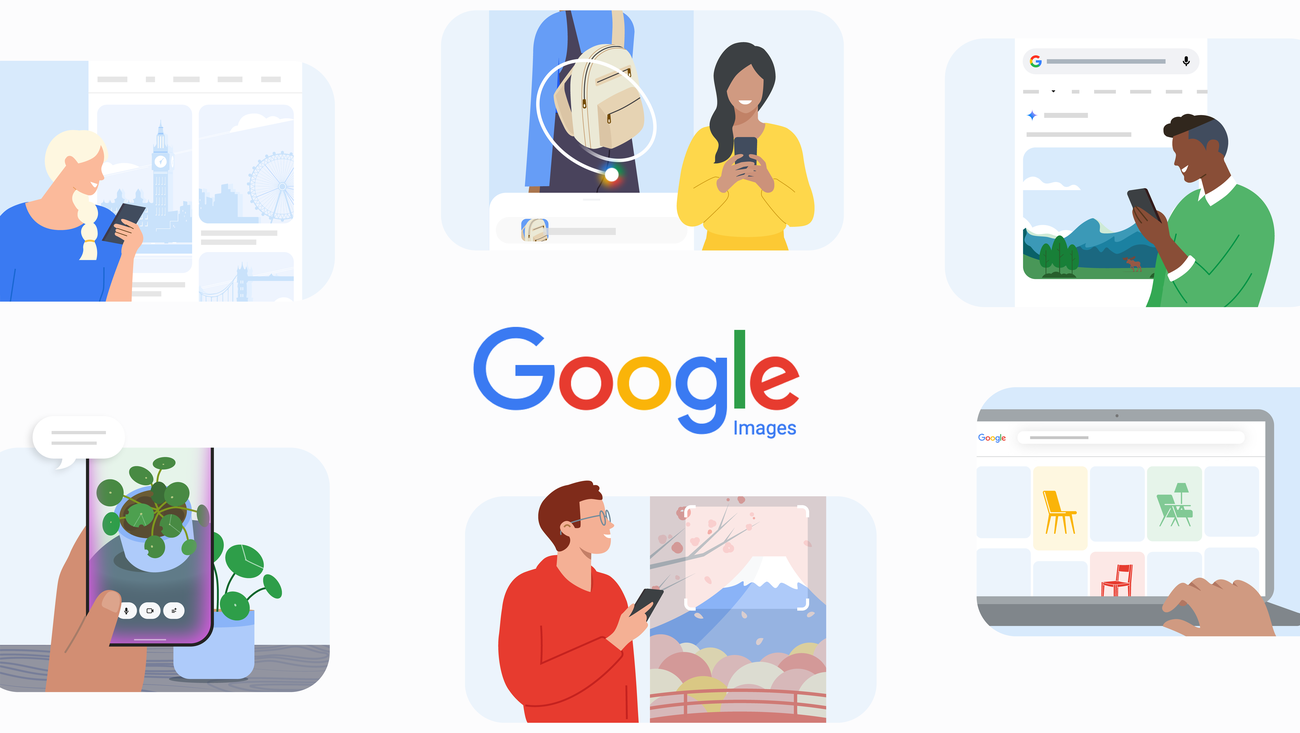
Google Images turning 25 is more than a nostalgia moment. In Google's anniversary post, the company frames visual search as a long-running shift from typing words into a box toward searching with images, context, collections, shopping intent, and AI-assisted interpretation. That shift matters for anyone who uses the web to compare products, identify objects, organize creative references, find tutorials, or decide which apps are worth installing.
For BTTC readers, the practical lesson is simple: visual search has become a daily productivity workflow. A search result is no longer the final destination. It is often the first step before downloading a file utility, editing an image, saving a reference, checking a product, building a presentation, or choosing a mobile app. If you use visual search to discover tools, the next step is often browsing a curated directory such as the BTTC software catalog or reading practical guides on the BTTC blog.
TL;DR: visual search is becoming a software workflow
Google Images started as a way to find pictures, but modern visual search is closer to a decision engine. People search with photos, screenshots, product images, diagrams, memes, UI captures, charts, and documents. AI can help interpret what an image contains, but users still need trustworthy tools to act on the result: download managers, image editors, PDF converters, screenshot utilities, note apps, compression tools, and browser extensions.
What Google Images at 25 tells us about search behavior
The original Google Images use case was obvious: type a query and scan a grid. Twenty-five years later, the grid is only one interface. Users now begin searches from mobile cameras, screenshots, saved images, social posts, e-commerce pages, and messaging apps. Instead of asking only what picture matches these words, they ask what is this object, where can I buy it, how do I fix it, what tool can open it, and what should I do next?
This change moves search closer to intent. A person who searches for a product image may want reviews, a price comparison, a PDF manual, or a safer shopping link. A student who searches for a chart may need a citation, a screenshot annotation tool, or a document converter. A designer collecting visual references may need a mood-board app, image compression, color extraction, or bulk renaming. The visual search result is the beginning of a task chain.
Why AI makes visual search more useful and more risky
AI improves visual search by interpreting ambiguous images. It can identify a plant, explain a diagram, match a product style, summarize a screenshot, or connect a visible object with related questions. This is useful because human queries are often incomplete. We may not know the name of the device, landmark, font, error message, or file type we are looking at.
But AI also raises the standard for verification. Image recognition can be wrong, outdated, or overconfident. Product matches can point to lookalikes. Generated summaries may miss licensing terms, source context, or safety details. For work projects, school research, shopping, travel, and software downloads, users should treat AI visual answers as a starting point rather than a final authority.
Practical visual-search workflows worth adopting
For product research, save the original source page before relying on a copied image. Reverse-search the image, compare multiple sellers, and check whether a product photo appears on unrelated websites. If the next action is installing software, verify the developer name, update history, permissions, and download source.
For document work, visual search can identify a form, chart, scanned page, or error screenshot. After that, use dedicated tools for OCR, PDF conversion, annotation, compression, and secure sharing. A general AI answer may explain the document, but a purpose-built utility is usually better for handling the file safely.
For creative projects, use collections deliberately. Group references by campaign, app interface, color palette, or article topic. Add notes about source, license, and intended use. If you later use an image editor or asset manager, those notes reduce the risk of losing attribution or mixing commercial and non-commercial assets.
How this connects to BTTC software discovery
BTTC is not a search engine, but it can help with the second half of the workflow: choosing tools after search reveals a need. Visual search might tell you that a file is a PDF scan, a screenshot needs annotation, a photo needs compression, or a mobile app solves a recurring task. The next question is which software is reliable enough to install.
When browsing BTTC software, evaluate apps by the same principles that make visual search useful: clarity, source trust, update cadence, platform fit, and minimal friction. A tool that handles images or documents should make export formats obvious, avoid suspicious permissions, and explain privacy tradeoffs. A good AI feature should save time without hiding what it changed.
FAQ
Is Google Images still relevant in an AI search world?
Yes. AI changes how results are interpreted, but visual discovery remains essential because many questions begin with something users can see but cannot name.
Should I trust AI visual search results automatically?
No. Treat AI visual search as a fast first pass. Confirm important answers with original sources, official documentation, app store listings, or reputable publishers before buying, downloading, citing, or sharing.
What tools pair well with visual search?
Useful companions include screenshot tools, image compressors, OCR apps, PDF converters, note apps, download managers, asset managers, and privacy-focused browsers.
Conclusion
Google Images at 25 shows that visual search is now part of everyday productivity, shopping, learning, and software discovery. The winning workflow is not just search by image. It is search, verify, organize, and then use the right tool for the job. For users who want practical next steps, BTTC's software directory and blog can turn visual clues into safer app choices and better digital workflows.


