Google AI Mode for Travel: The Toolkit to Use Before You Book
Google's AI Mode travel features show how search is becoming a planning assistant. Use this checklist to verify AI itineraries and prepare the right software before a trip.
In This Article
This article covers Google AI Mode for Travel: The Toolkit to Use Before You Book. Google's AI Mode travel features show how search is becoming a planning assistant. Use this checklist to verify AI itineraries and prepare the right software before a trip.
Key Takeaways
- Published: September 7, 2026
- Category: AI Tools
- Tags: Google AI Mode, travel planning, AI search, software tools, productivity
- Views: 196
- Reading time: ~14 min read
"Google's AI Mode travel features show how search is becoming a planning assistant. Use this checklist to verify AI itineraries and prepare the right software before a trip."
TL;DR
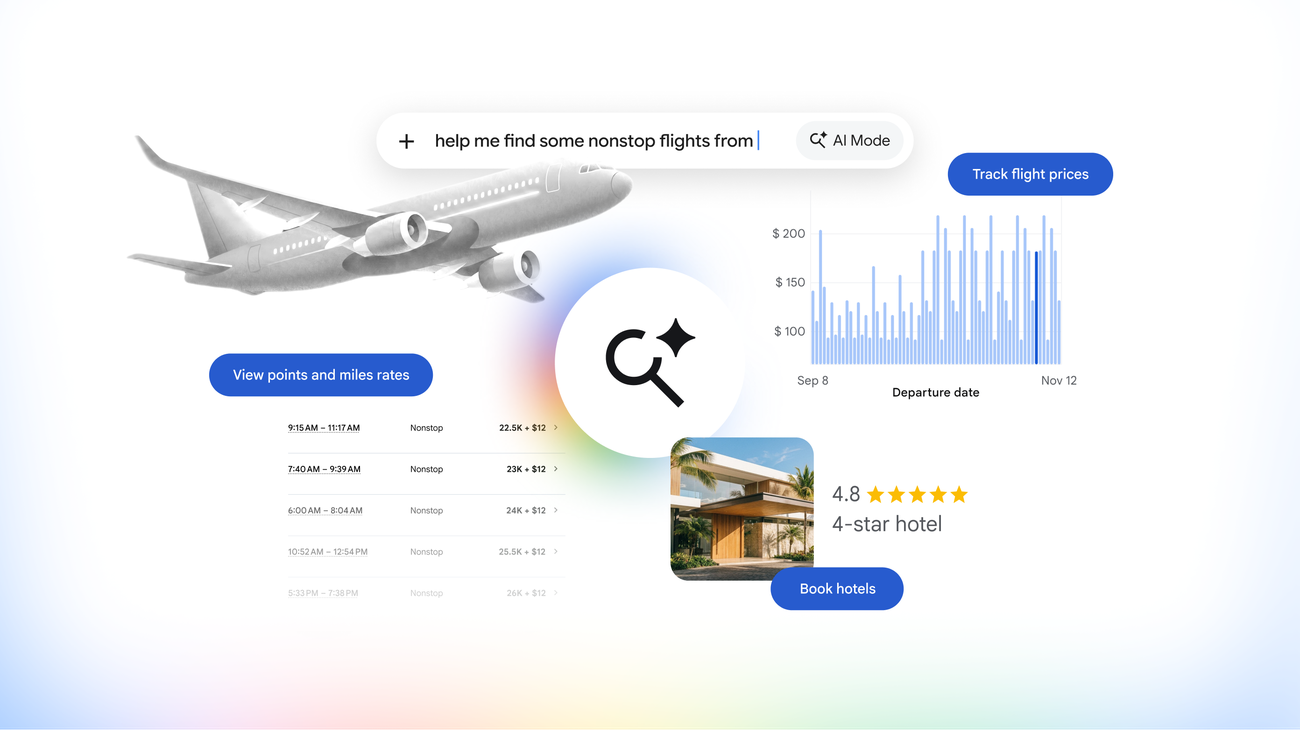
Google's new AI Mode travel features point to a future where search engines do more than list links: they help travelers compare destinations, shape itineraries, and move closer to booking decisions inside one conversational flow. That is useful, but it also raises a practical question for users: which parts of trip planning should be delegated to AI, and which parts still need independent tools, saved documents, and human verification?
Why this update matters
Google described new travel planning and booking capabilities for AI Mode in Search in its official announcement, and the timing is important because travel is one of the most common real-world search categories. People do not simply search for one fact when they plan a trip. They compare dates, neighborhoods, prices, weather, transportation options, family constraints, and trade-offs between convenience and cost. A conversational search layer can compress that messy research stage into a set of follow-up questions and suggested plans.
For readers who follow productivity and software trends, the bigger story is not only travel. It is the movement of AI assistants from answering questions toward coordinating decisions. When an assistant can propose a weekend route, explain why a hotel area is convenient, and point toward booking options, it starts to behave like a lightweight planning interface. That makes the quality of sources, the clarity of assumptions, and the user's own verification habits more important than ever.
The official Google post is the primary source for this article: Google's AI Mode travel announcement. Because travel details can change quickly, any itinerary generated by AI should be treated as a draft rather than a final document.
A practical workflow for AI trip planning
The safest way to use AI Mode or any similar assistant is to split the job into stages. First, ask for exploration: possible neighborhoods, weather patterns, rough budgets, and realistic daily pacing. Second, ask for comparison: why one itinerary is better for families, remote workers, food-focused travelers, or people with mobility needs. Third, move out of the chat and verify the facts that affect money, safety, and time.
This workflow keeps AI useful without making it the single point of failure. A model may produce a good outline, but flight prices, hotel policies, opening hours, visa rules, and public transit disruptions must be checked against current sources. Travelers should also save confirmations and offline copies before departure. For tool discovery, BTTC's software directory is a sensible next stop because travel planning usually requires supporting utilities: note apps, document readers, media tools, download managers, map helpers, and file converters.
A good AI prompt is specific. Instead of asking for "a trip to Tokyo," ask for a four-day plan near public transit, with one quiet work block each afternoon, food options under a stated budget, and backup rainy-day activities. Then ask the assistant to label uncertain items and list what must be verified manually. This turns the model from a confident storyteller into a planning assistant with checkable outputs.
What to verify before you book
The first verification layer is price and availability. AI-generated answers may summarize booking options, but the final price can change with taxes, local fees, luggage, seat choice, cancellation windows, and currency conversion. The second layer is location quality. A hotel that looks close on a map may be separated from the attraction by poor transit, hills, late-night safety concerns, or construction.
The third layer is policy. Passport validity, visas, travel insurance, vaccination requirements, car-rental rules, and refund policies are not details to leave inside a chat transcript. Save them in a dedicated folder and keep offline copies. If you are comparing utilities for this, browse the BTTC blog for practical software checklists and tool-selection guides.
The fourth layer is accessibility and personal constraints. AI may miss wheelchair access, dietary restrictions, child-friendly timing, medication storage, or the need for quiet rooms. Make these constraints explicit in the prompt and then verify with the provider. AI is best at producing options; humans remain responsible for deciding whether those options are safe and realistic.
The app toolkit travelers still need
Even if AI Mode becomes excellent, travelers still need a small toolkit outside the search engine. A notes app keeps the final itinerary readable. A PDF reader stores tickets and insurance documents. A translation tool helps with signs and menus. A map app with offline support protects against weak mobile coverage. A secure password manager and authenticator keep account access available during stressful moments.
There is also a download angle. Before leaving, download offline maps, transit passes, hotel vouchers, event tickets, and copies of identity documents where appropriate. Organize them in folders named by city and date. The point is not to collect apps for their own sake; the point is to reduce dependency on a live AI session at the exact moment when roaming data, battery life, or account login may fail.
For BTTC readers, this is where AI news becomes practical. The best travel stack is not the flashiest assistant; it is the combination of AI discovery, trusted source checks, and reliable utilities that make the plan usable on the ground.
FAQ
Is Google AI Mode a replacement for a human travel agent? No. It can speed up discovery and comparison, but travelers should still verify prices, cancellation rules, accessibility needs, visa requirements, and local advisories before booking.
What should I save outside the AI chat? Keep flight confirmations, hotel addresses, insurance details, offline maps, PDFs, and a short emergency plan in tools you control so the trip does not depend on one search session.
How does this connect to BTTC software discovery? AI can suggest a plan, but readers still need dependable apps for notes, document handling, downloads, media, and everyday utilities. BTTC's software directory helps compare those supporting tools.
Conclusion
Google AI Mode makes trip planning feel more conversational, but the safest workflow is still hybrid: use AI for discovery, confirm important facts with trusted sources, and keep a portable toolkit of apps and documents ready before departure.

