GitHub’s Open Source Security Lessons for the AI Coding Era
GitHub’s latest open source security guidance shows why AI-assisted contributions make review workflows, release hygiene, and trustworthy software downloads more important.
In This Article
This article covers GitHub’s Open Source Security Lessons for the AI Coding Era. GitHub’s latest open source security guidance shows why AI-assisted contributions make review workflows, release hygiene, and trustworthy software downloads more important.
Key Takeaways
- Published: August 14, 2026
- Category: Developer Tools
- Tags: Open Source, AI Coding, Cybersecurity, Developer Tools, Software Supply Chain
- Views: 310
- Reading time: ~17 min read
"GitHub’s latest open source security guidance shows why AI-assisted contributions make review workflows, release hygiene, and trustworthy software downloads more important."
TL;DR: AI makes open source security an everyday workflow
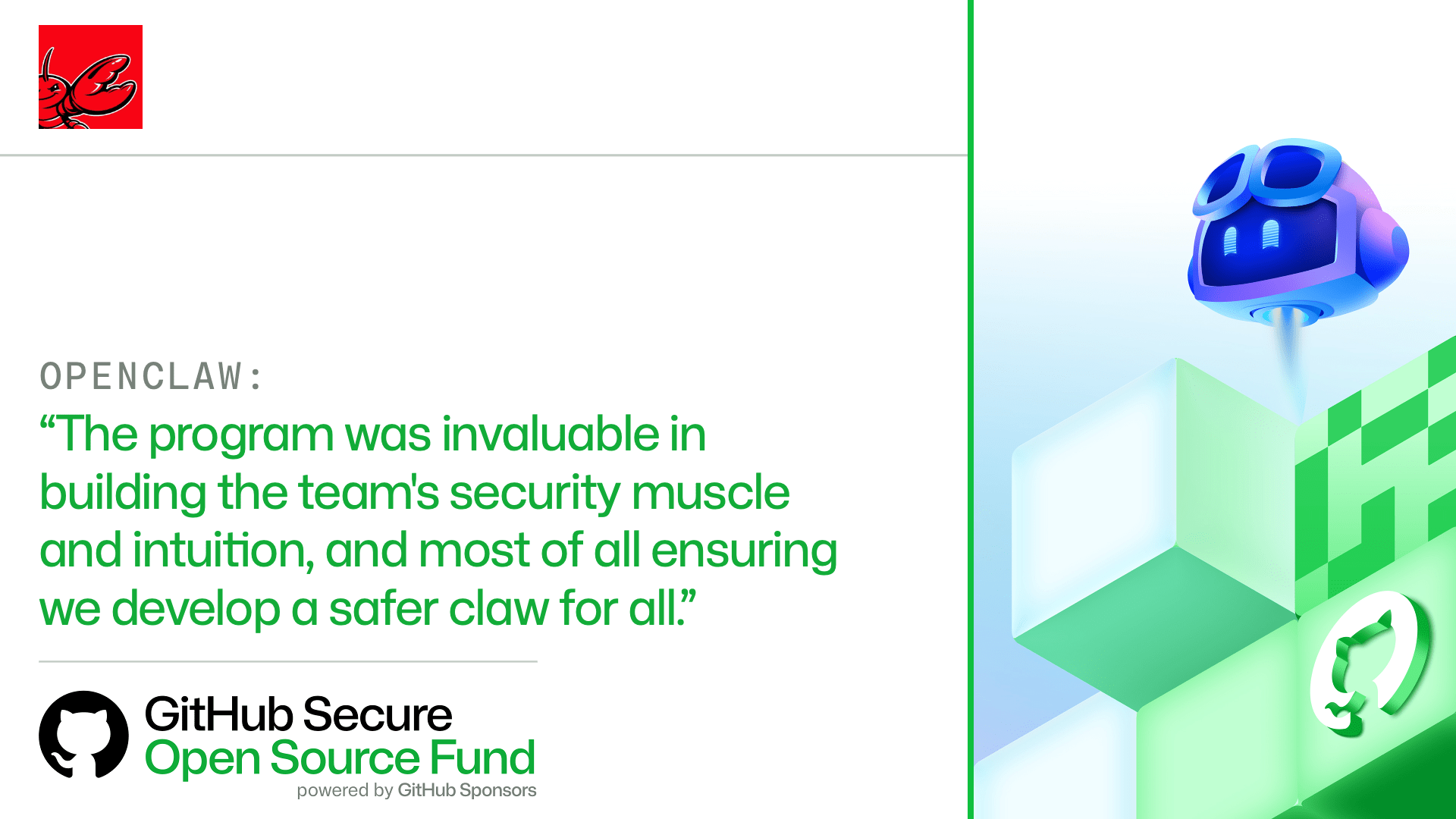
GitHub published two timely posts this week that point to the same practical reality for developers, maintainers, and software buyers. In What 50 open source projects taught us about security in the AI era, GitHub describes patterns it saw while working with maintainers across widely used projects. In a related post, Your contributors are AI-first now. Is your project?, the company argues that open source projects need clearer instructions, automation, and review paths because more contributors now arrive with AI coding assistants in their toolchain.
The headline is not simply that AI can write code faster. The durable trend is that software projects are becoming busier, more automated, and more exposed to supply-chain mistakes. Maintainers need lightweight controls that fit normal work: dependency review, clear contribution rules, secret scanning, release hygiene, provenance, and human approval for risky changes. Readers comparing developer utilities, code editors, security scanners, or productivity apps can use the BTTC software directory to shortlist tools that support safer everyday workflows.
Why this topic is high interest now
Open source sits underneath nearly every modern app. A small package can affect a mobile app, a SaaS dashboard, a browser extension, a data pipeline, and an internal automation script at the same time. That makes open source security an unusually strong search topic: developers search for practical checklists, founders search for risk reduction, and nontechnical software users want to know which tools are trustworthy before they download or install anything.
GitHub's latest posts are fresh because they connect open source security with AI-assisted contribution. AI coding tools are now common enough that maintainers must assume pull requests, issue comments, documentation patches, and even vulnerability fixes may be drafted with an assistant. That is not automatically bad. AI can help contributors explain intent, write tests, and navigate unfamiliar code. But it also increases review volume and can hide confident mistakes inside plausible-looking code.
The best response is not panic. It is a repeatable workflow that lets helpful automation through while making dangerous actions harder to miss. The same idea applies to personal software downloads: choose tools that make updates, permissions, backups, and review visible instead of burying them behind a magic button.
What maintainers should change first
Start with contribution instructions that are obvious to both humans and AI tools. A good contributing guide should say how to run tests, what style rules matter, where security-sensitive code lives, and what kind of evidence a pull request needs. If an AI assistant reads the repository, those instructions become part of the generated work. If they are missing, the assistant guesses.
Next, protect the release path. Many supply-chain failures happen not in the feature branch, but in the handoff from merged code to published package. Maintainers should require protected branches, review requirements, signed or traceable releases where practical, and separate credentials for publishing. Automated dependency updates are useful, but they should be paired with tests and change summaries rather than accepted blindly.
Finally, make security checks boring and frequent. Secret scanning, dependency alerts, static analysis, and license checks should run before maintainers are tired at the end of a release. The goal is not to block every change. The goal is to make the riskiest changes visible early enough that reviewers still have energy to think.
A practical AI-era security checklist
For small projects, the checklist can be simple. Keep a short SECURITY.md file with reporting instructions. Add a CONTRIBUTING.md file that tells contributors how to test changes. Turn on dependency alerts and secret scanning where available. Require at least one human review for changes that touch authentication, payments, encryption, build scripts, package publishing, or infrastructure. Keep maintainer tokens out of local scripts whenever possible.
For larger teams, add stronger boundaries. Use role-based access for package registries. Record release provenance. Require reproducible build steps or at least documented release commands. Test AI-generated changes against real fixtures. Keep a rollback plan for bad releases. When using agentic coding tools, log what the agent changed, what tests it ran, and what human approved the result.
This checklist also helps software buyers. Before downloading a developer tool or automation utility, look for visible release notes, update history, official download links, permission explanations, and a security contact. A polished landing page is not enough; trustworthy software leaves operational evidence.
Where AI helps and where humans still matter
AI assistants are useful for repetitive code review tasks: summarizing diffs, suggesting test cases, finding missing documentation, and explaining unfamiliar functions. They are also useful for maintainers who need to triage many issues quickly. A good assistant can group duplicates, identify missing reproduction steps, and propose safer templates for bug reports.
Humans still need to own intent, trust, and accountability. An AI tool can suggest a patch, but it cannot know whether a change matches the project's values, support promises, or risk tolerance. It may not notice that a harmless-looking dependency adds a maintainer with no history, a build script with network access, or a release process that bypasses the usual review.
The strongest teams will treat AI as a junior automation layer rather than an invisible maintainer. Give it clear tasks, review its outputs, measure its error patterns, and keep irreversible permissions under human control.
How this connects to BTTC readers
BTTC readers often arrive while looking for useful software: productivity tools, developer utilities, download options, and practical technology guides. Open source security matters because many of those tools depend on open packages, plugins, update channels, or extension ecosystems. A safer software workflow is not only about enterprises; it is about everyday users avoiding broken updates, fake downloads, abandoned packages, and tools with unclear permissions.
If this article helps you review your workflow, continue with the BTTC blog for practical technology explainers, or browse BTTC software when comparing tools to install. The best downloads are not just powerful; they are maintained, documented, and easy to verify.
FAQ
Is AI-generated code unsafe by default?
No. AI-generated code can be useful, but it needs the same review, tests, and ownership as any other contribution. The risk is highest when teams merge AI-generated changes without understanding dependencies, permissions, or release impact.
What is the first open source security step for a small project?
Create clear contribution and security reporting files, then turn on automated checks such as dependency alerts and secret scanning. These steps are low-cost and make future reviews easier.
Should software users care about open source supply-chain security?
Yes. Many downloaded apps, browser extensions, and developer tools depend on open source packages. Users should prefer official download sources, visible release notes, active maintenance, and tools with clear security contacts.
Conclusion
GitHub's latest open source security guidance is a reminder that the AI era rewards projects with clear instructions, visible automation, and disciplined human review. Whether you maintain a package or choose software to download, the winning habit is the same: make trust easier to verify before something reaches production or your device.

