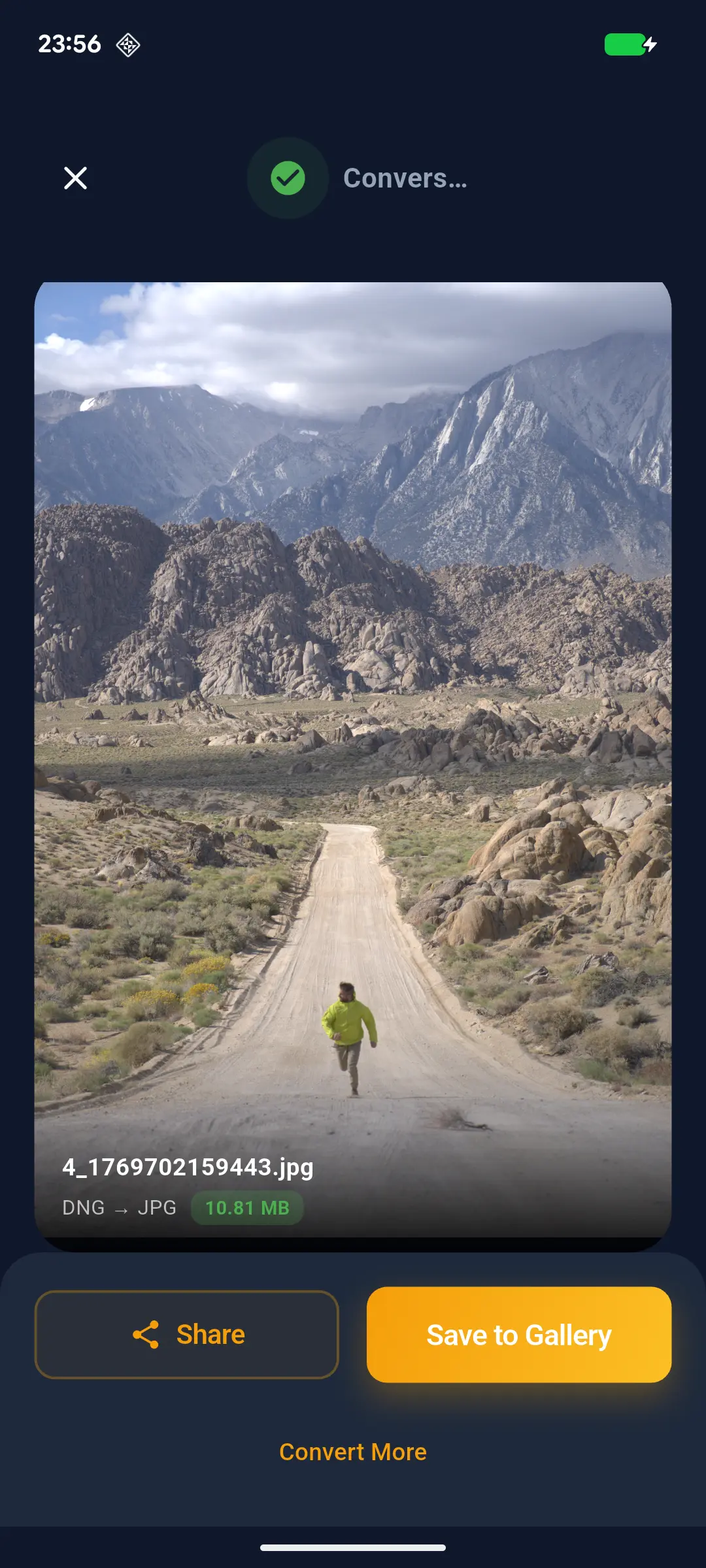
The Definitive Guide to Converting RAW to JPG on Android (2026)
Convert RAW camera files (DNG, ARW, CR2, NEF) to high-quality JPGs on Android instantly. Our professional-grade engine preserves full EXIF metadata and dynamic range for mobile photographers. Fast, offline, and batch-processing enabled.
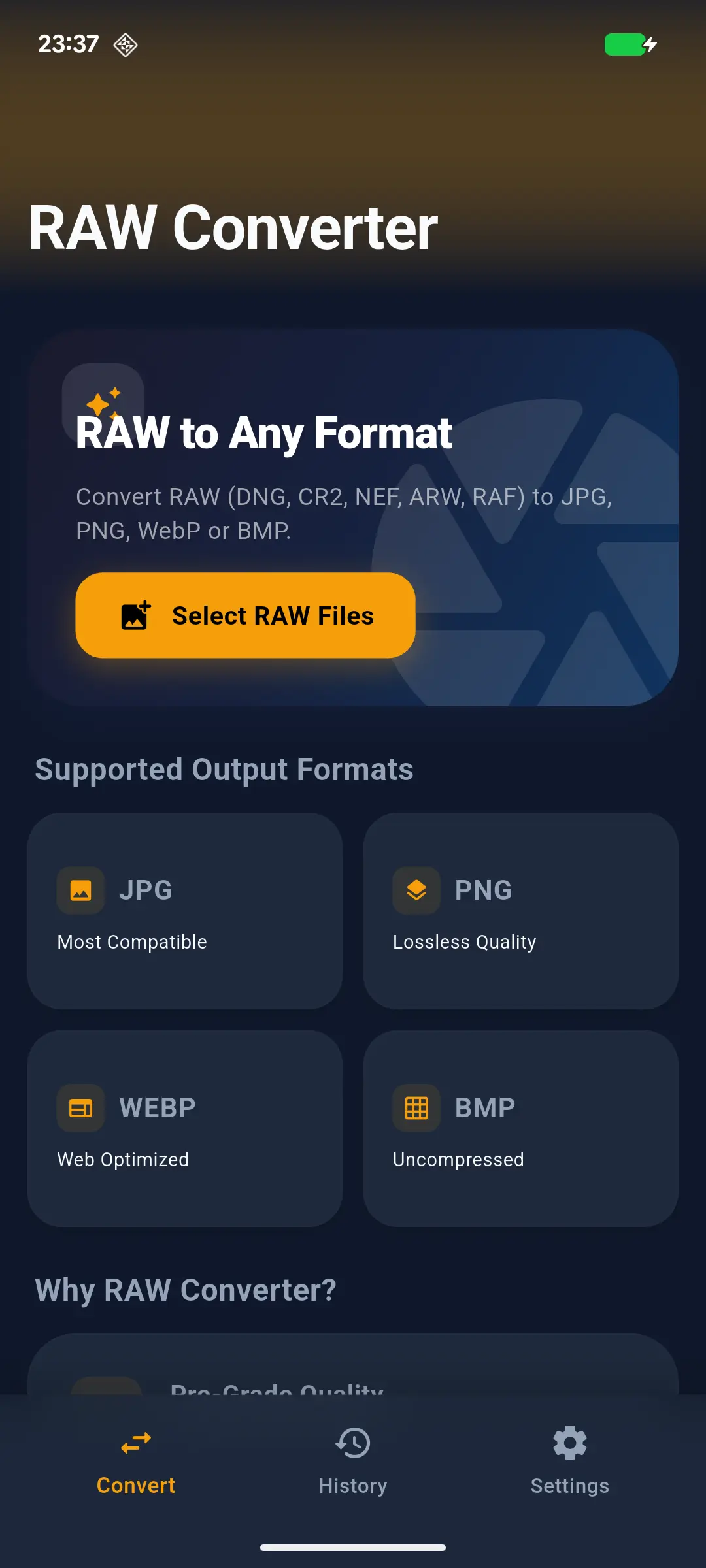
Introduction In the era of 200MP mobile sensors and professional mirrorless cameras, the DNG (Digital Negative) format has become the gold standard for mobile photographers. However, sharing these massive, uncompressed files remains a challenge. Whether you are using a Sony Alpha, a Canon EOS, or a Pixel 10 Pro, converting RAW to JPG without losing metadata or dynamic range is critical. Our DNG Converter is engineered to solve this.
Why Standard Converters Fail Most generic image converters treat RAW files like flat images. This results in:
Crushed Shadows: Loss of detail in dark areas due to poor tone mapping.
Metadata Stripping: Removal of EXIF data (GPS, ISO, Shutter Speed).
Color Inaccuracy: Incorrect interpretation of the camera's color space.
Technical Advantages of the bttc.site Engine
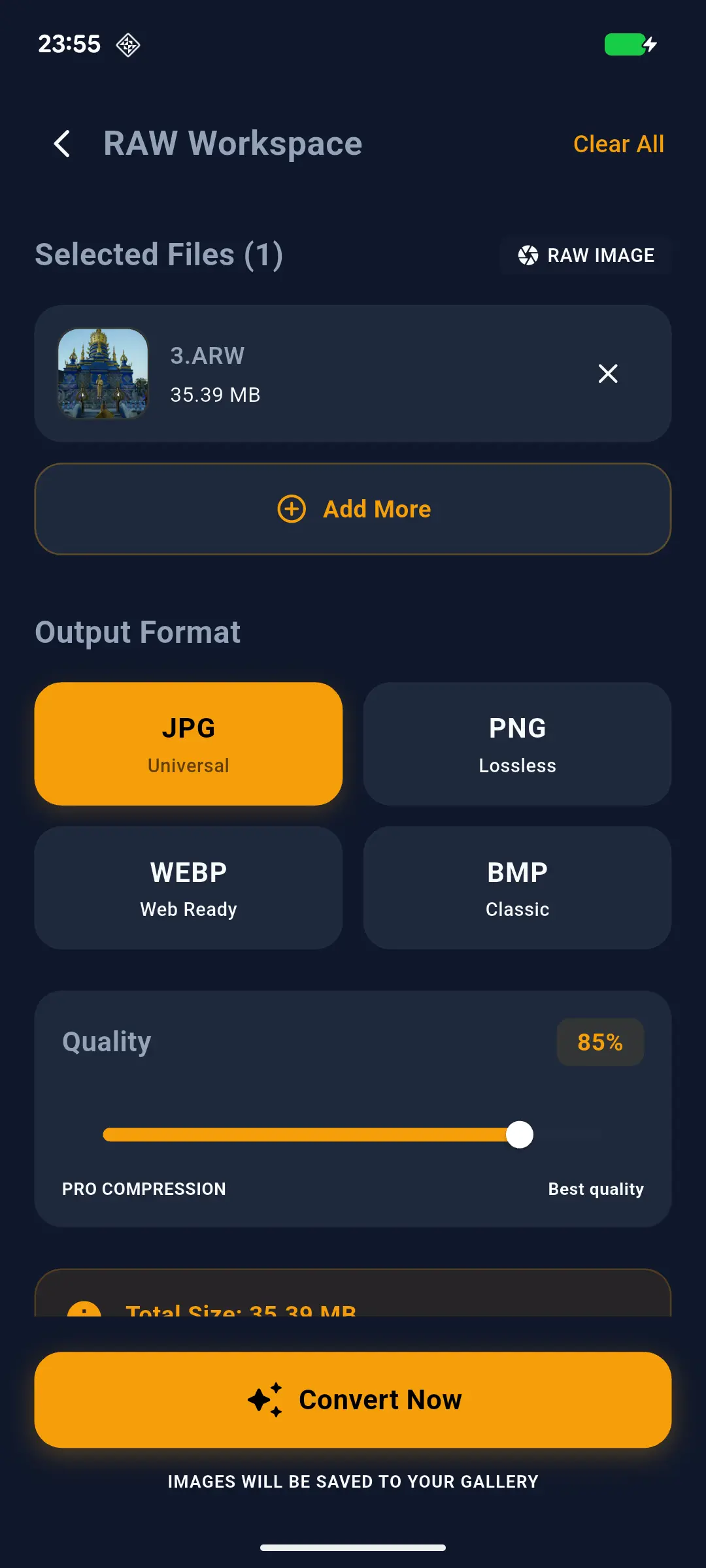 High-Bit Depth Processing: Our engine processes files at 16-bit depth before downsampling to 8-bit JPG, preserving the maximum possible dynamic range.
Full EXIF Migration: We utilize a custom-built metadata bridge that ensures every tag—from lens model to white balance—is successfully migrated to the output file.
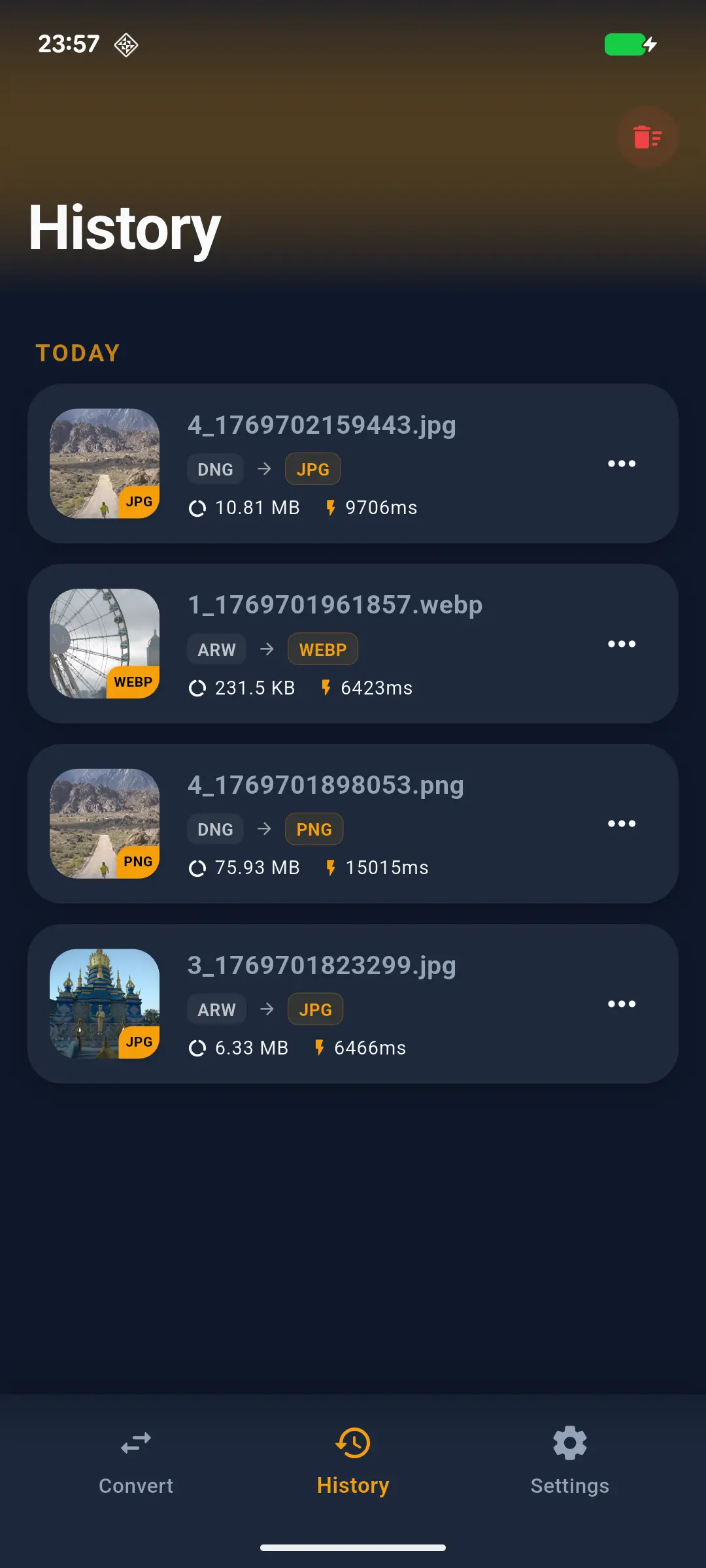 Batch JNI Acceleration: By utilizing Kotlin and C++ (JNI) integration, we bypass the standard Android Bitmap limitations, allowing for the batch processing of hundreds of files without system lag.